
Nano Banana Image Editor
AADDYY's Nano Banana transforms and edits images with AI, guided by reference photos and text prompts.
From $0.61 per image · 61 credits · no subscription
per image with 1 reference image; each extra reference image adds $0.055 per image
Output
Upload your photo.
Add reference images
Add 1 to 10 reference photos by URL or upload. The AI uses them as the source material for your edit.
Describe the edit
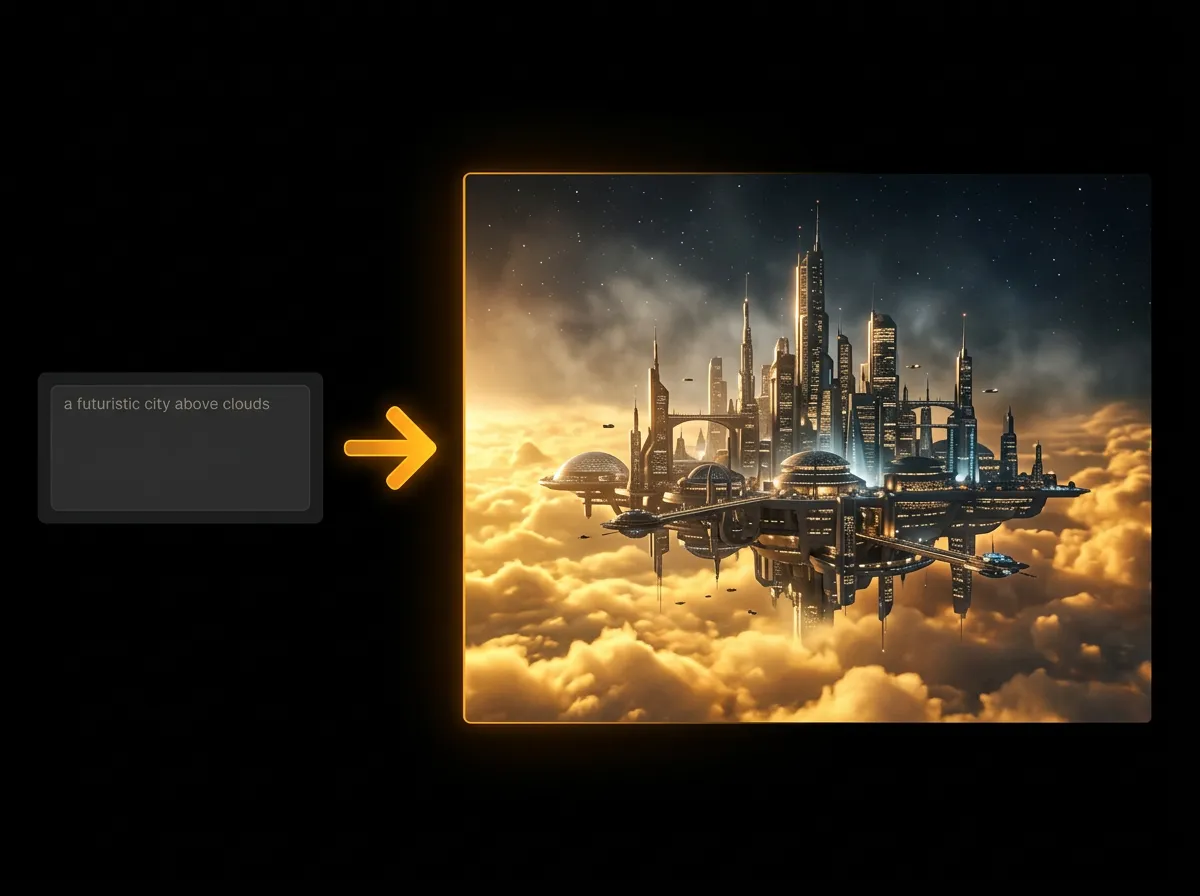
Write what you want to change: a new background, a different style, combined images or specific objects swapped or modified.
Generate and download
Pick an aspect ratio and an output format (PNG, JPEG or WebP), generate, and download the edited image.

Questions.
What is Nano Banana Image Editor?
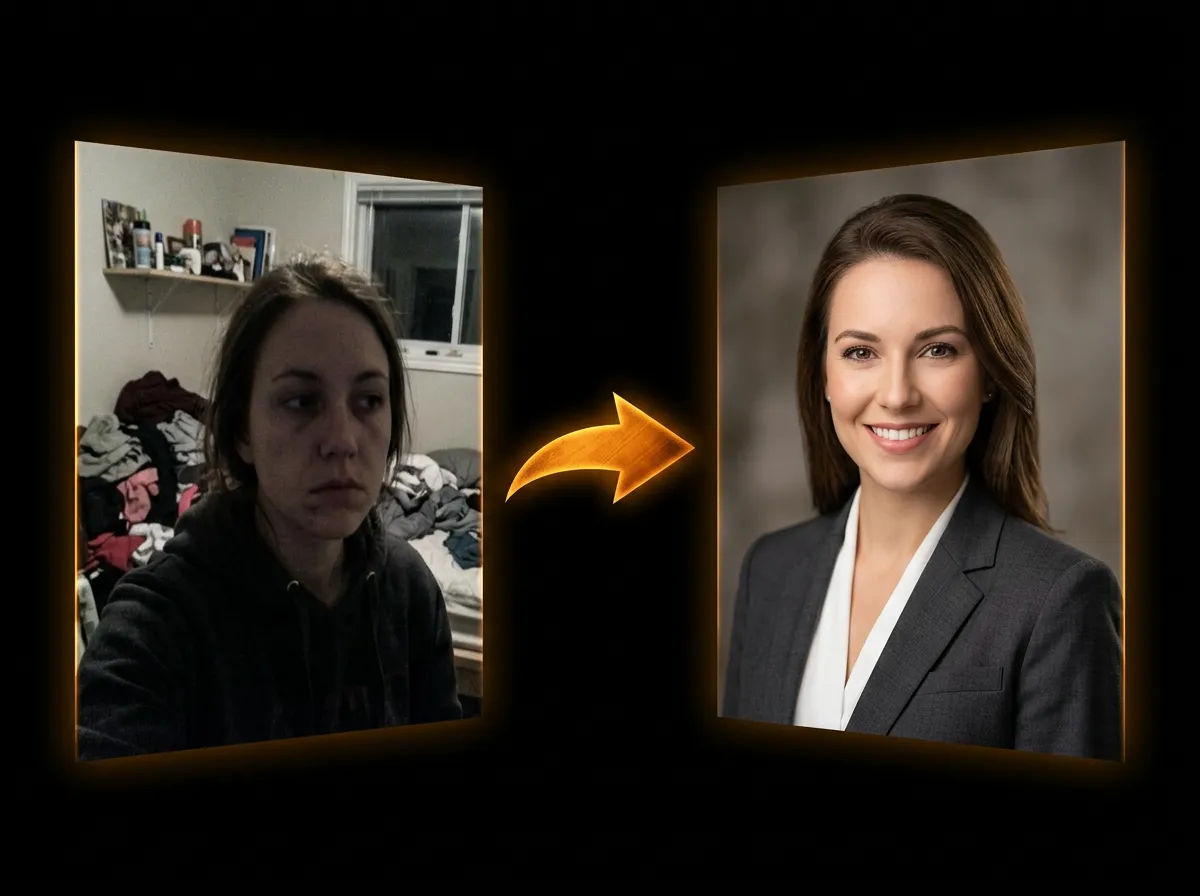
Nano Banana Image Editor is AADDYY's AI image-to-image editor. It transforms and edits images based on reference photos and text prompts with exceptional quality and accuracy.
How many reference images can I use?
You can use between 1 and 10 reference images per edit. The AI will analyze all reference images and combine them based on your text prompt to create the edited output.
What image formats are supported?
You can upload images via URL (HTTP/HTTPS) or base64 data URIs. Supported formats include JPG, PNG, WebP. Output formats available are PNG, JPEG, and WebP.
How does the pricing work?
Pricing depends on the number of output images and reference images. One output image with one reference image costs $0.61 (61 credits) — per image with 1 reference image; each extra reference image adds $0.055 per image.
What can I do with Nano Banana?
You can: change backgrounds, apply style transfers, combine multiple images, transform scenes, modify specific objects, create artistic variations, and much more - all guided by your text prompts.
What are the supported aspect ratios?
Nano Banana supports 11 aspect ratios: auto, 21:9, 16:9, 3:2, 4:3, 5:4, 1:1 (square), 4:5, 3:4, 2:3, and 9:16. Choose "auto" to let the AI determine the best ratio.
Still have questions? We're here.
Contact Support