
AI Card Animator
AADDYY's AI Card Animator turns a card you made into an 11-second video for WhatsApp Status and Instagram Stories. Your wording never changes.
$0.15 per video · 15 credits · no subscription
flat price per video; asking again for the same card and look within 30 days is free
Make a card, then animate it.
The animator works from a finished card, so its names, dates and venue stay exactly as you wrote them. Make one with a card maker, then tap Animate this card on the result.
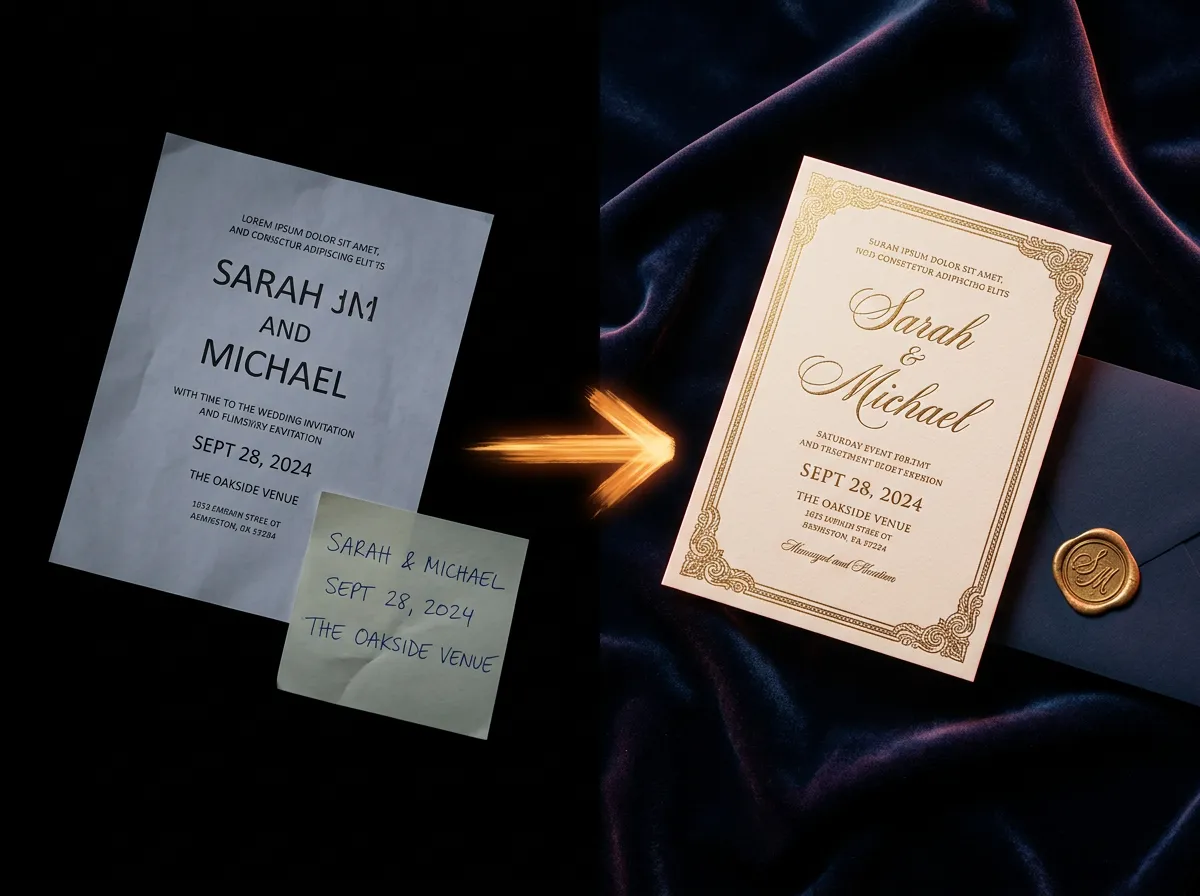
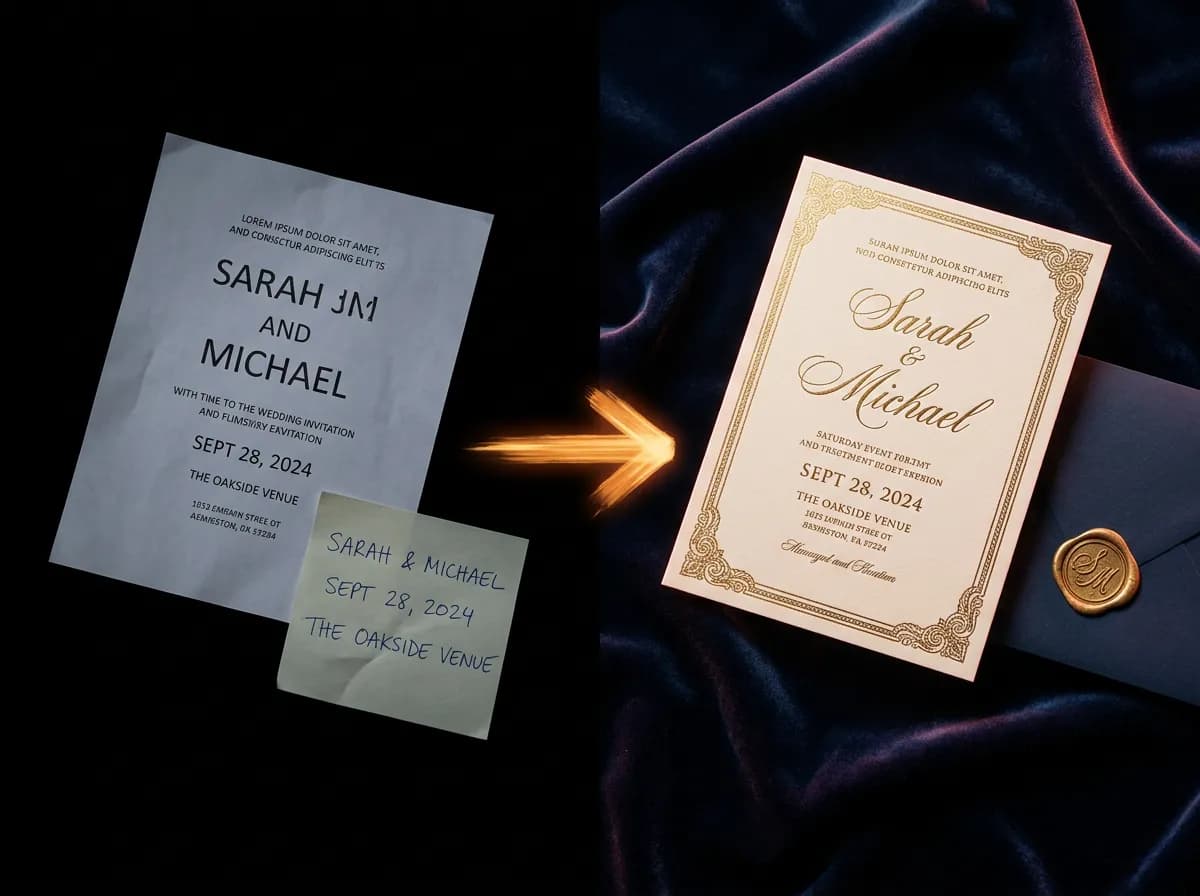 AI Wedding Invitation Card MakerWedding, engagement and reception invitations, and save-the-dates.Make a card
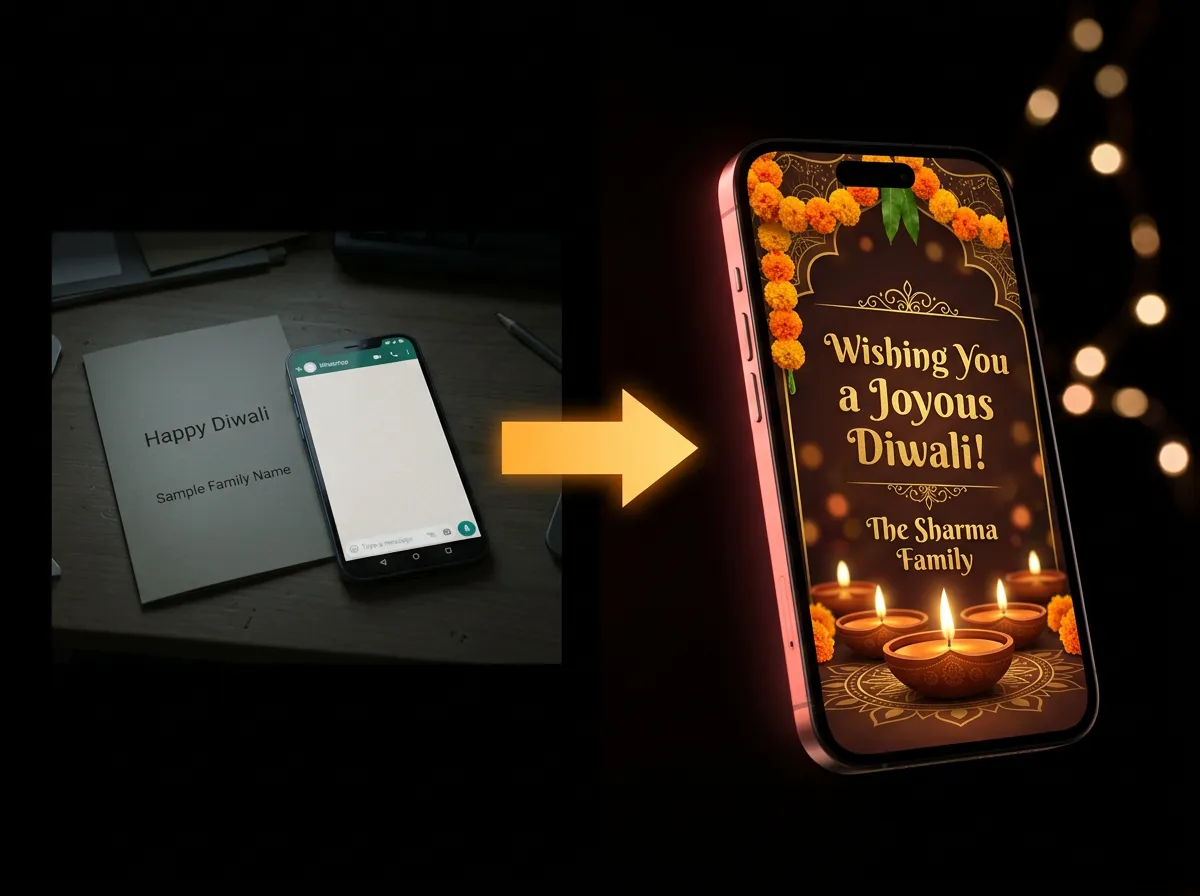
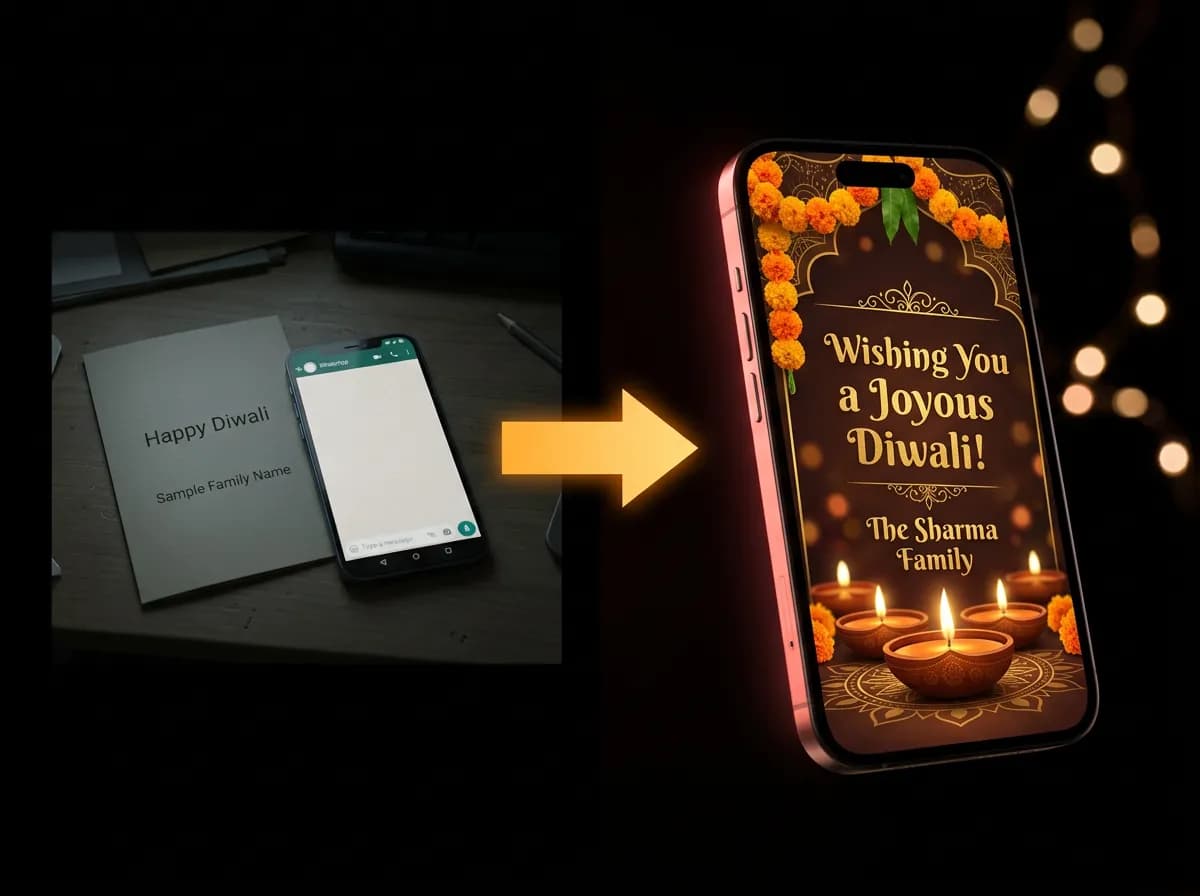 AI Festival Greeting Card MakerDiwali, Eid, Christmas, Holi and 26 more festivals.Make a card
- AI Baby Card MakerBirth announcements and new baby wishes.Coming soon
- AI Greeting Card MakerBirthdays, anniversaries, thank-yous and more.Coming soon
Animate a card you've made.
Loading.
Make a card
Create a wedding invitation or a festival greeting with an AADDYY card maker. Every card you make is saved to My Creations.
Tap Animate
On the finished card, or on this page under Your cards, keep Auto or pick a look such as Golden glow or Floral petals, then tap Animate this card.
Download or share
In about a minute you get an 11-second 9:16 video with your wording exactly as it is on the card. Download the MP4, or share it to WhatsApp Status or an Instagram Story.

Questions.
What does the AI Card Animator do?
It turns a card you made with an AADDYY card maker into an 11-second vertical video, 1080x1920 pixels, for WhatsApp Status and Instagram Stories. The camera moves in gently, light catches the card's gold, and sparkles, petals or lamp light drift around it. The video starts and ends on your finished card.
Will the names, date or venue on my card change?
No. The animator works from your finished card and never redraws its wording, so every name, date and venue stays exactly as it is on the card. If the card maker could not remove all of a design's sample wording, you see a reminder to proofread the card before you share the video.
Which cards can I animate?
Cards made with AADDYY's card makers, such as the AI Wedding Invitation Card Maker and the AI Festival Greeting Card Maker. The card has to be in your My Creations library: uploaded images and links to other pictures can't be animated. Make the card first, then tap Animate this card on the result, or pick it from your cards on the AI Card Animator page.
How do I choose a look?
Keep Auto and the animator picks a look that suits your design, such as Festival of lights for a Diwali card. Or choose one yourself: Golden glow, Floral petals, Festival of lights, Winter sparkle, Moonlit night, Holi colours, Celebration, Sweet dreams or Love hearts. Each card shows the looks that suit it, and every look you make stays with the card, so you can switch between your videos.
How do I post the video to WhatsApp Status or an Instagram Story?
On your phone, tap Share video and choose WhatsApp or Instagram in the share sheet. On a computer, tap Download video to save the MP4 file and send it to your phone. The 9:16 shape fills the screen in Status and Stories.
Does the video have music?
Not yet. Videos are silent for now, so you can add a song with the music option in Instagram or WhatsApp when you post.
How much does it cost?
Each video costs {{price}}, paid from your AADDYY credits with no subscription. Asking again for the same card in the same look within 30 days returns your earlier video at no charge, as long as it is still in My Creations. If a video can't be made, the credits are refunded automatically.