
AI Album Cover Generator
AADDYY's AI Album Cover Generator creates stunning music artwork with 12 genres, 12 moods, and 10 art styles. Perfect for musicians.
$0.10 per image · 10 credits · no subscription
per cover image; up to 4 per request
Output
Describe your album.
Describe your album concept
Enter the album name, genre, mood, and visual direction. Mention specific themes, colors, or artistic styles that match your music.
Choose art style
Pick one of 10 art styles — realistic, abstract, minimalist, retro, anime, watercolor and more — plus an optional color palette, text overlay and aspect ratio.
Download your cover art
Review the generated artwork and download in high-resolution format ready for streaming platforms, CD printing, or vinyl.

Questions.
How does the AI Album Cover Generator work?
Our AI Album Cover Generator uses AI image generation to turn your idea into cover art. Simply describe your vision, select your music genre, mood, and art style, and our AI creates professional album cover artwork in 15-45 seconds. You can customize everything from colors and typography to aspect ratio and reference images.
What's the difference between Text-to-Image and Image-to-Image modes?
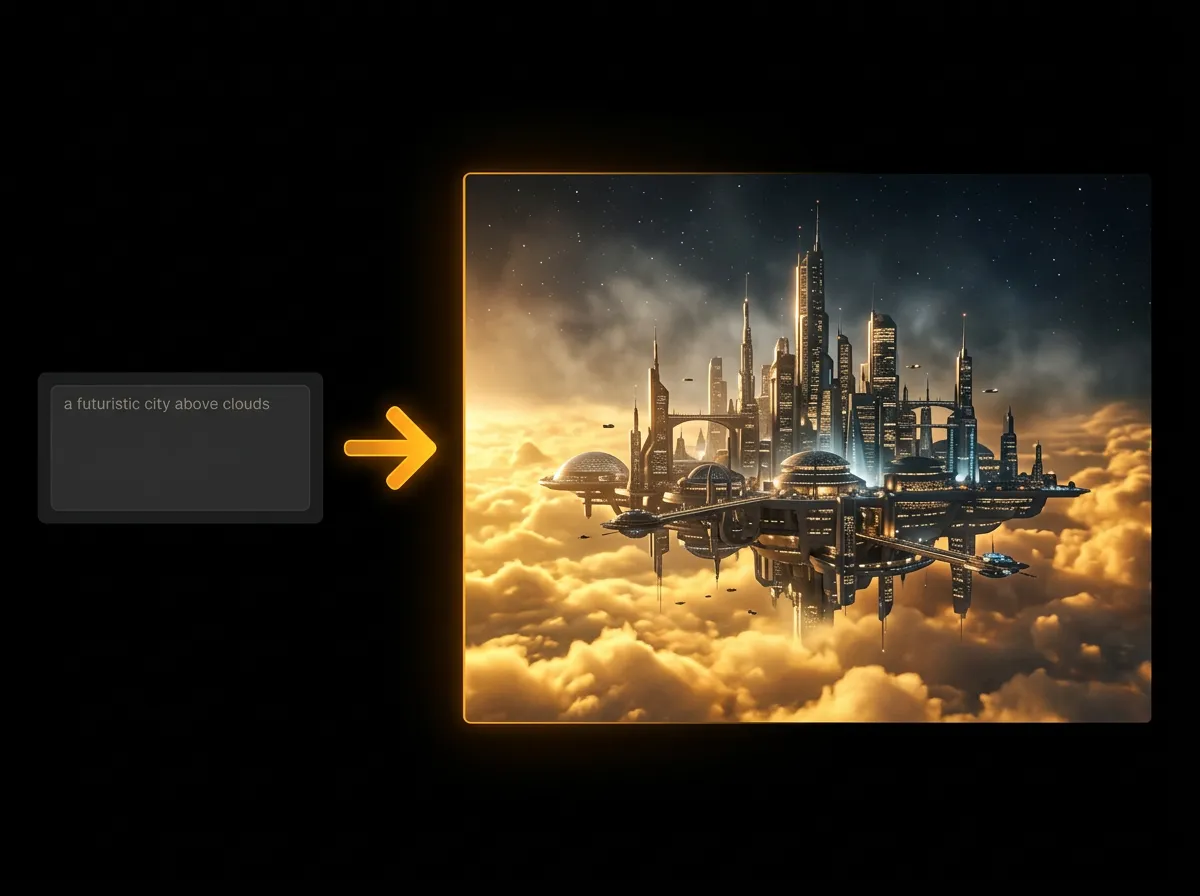
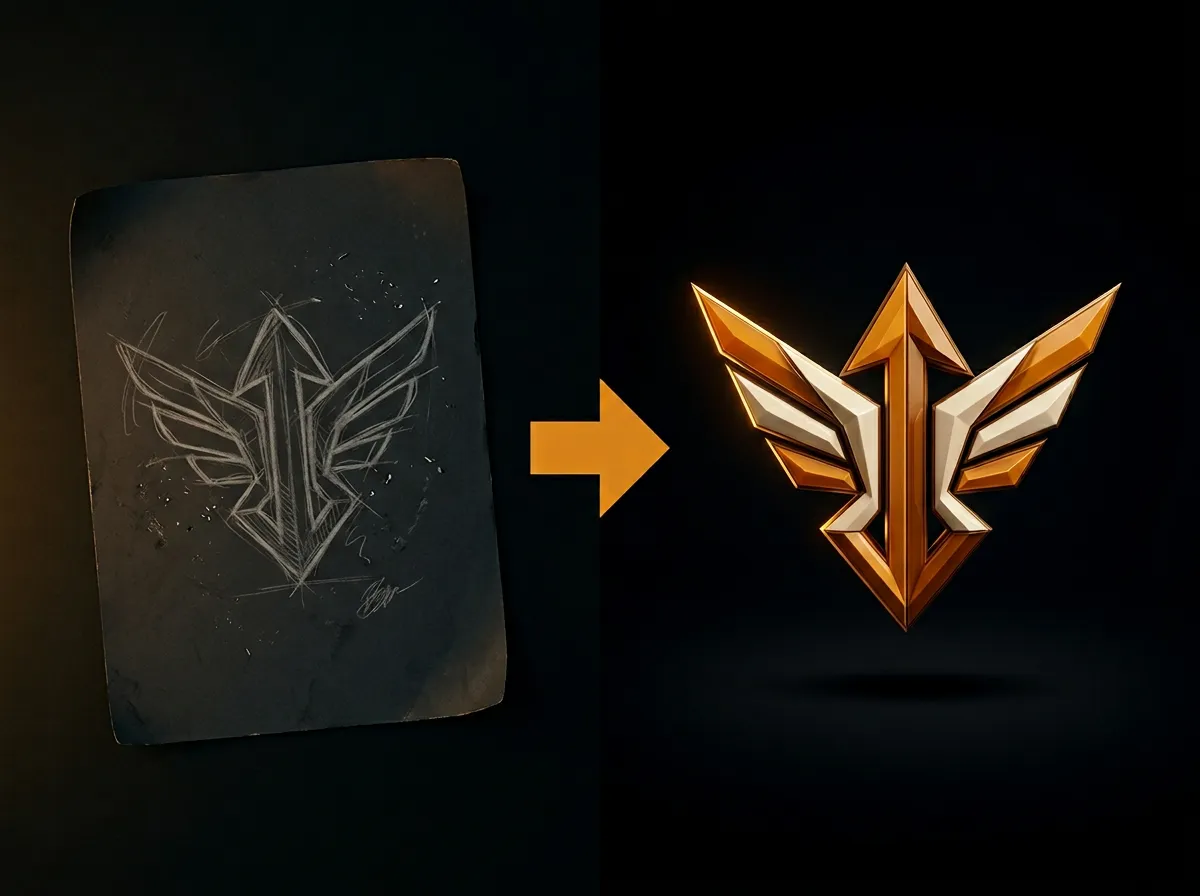
Text-to-Image mode (default) creates album covers from your creative description only. Image-to-Image mode activates when you add 1-3 reference images, allowing the AI to incorporate elements from your reference photos into the final design. Both modes cost the same, $0.10 (10 credits) per image, and use your prompt to guide the artistic direction.
What genres, moods, and art styles can I choose from?
Choose from 12 music genres (Pop, Rock, Hip-Hop, EDM, Jazz, Classical, R&B, Metal, Indie, Lo-Fi, Ambient, Experimental), 12 moods (Energetic, Chill, Dark, Dreamy, Emotional, Mysterious, Uplifting, Retro, Futuristic, Sad, Romantic, Angry), and 10 art styles (Realistic, Abstract, Minimalist, Retro, Cyberpunk, Anime, Hand-Drawn, 3D Render, Surrealism, Watercolor). These options influence the visual aesthetic and atmosphere of your cover.
Can I add my album and artist name to the cover?
Yes! Enable 'Include Text Overlay' and provide your album title and artist name. Choose from 8 typography styles including Bold Sans, Elegant Serif, Handwritten, Neon Glow, Grunge, Minimal, Vintage, and Cyberpunk. The AI intelligently places and styles the text to complement your cover design. You can also choose to generate without text overlay for more flexibility.
How do reference images work?
Reference images guide the AI's creative direction by providing visual inspiration. Upload up to 3 images (PNG, JPG or WebP, up to 10MB each) or paste links to images online: your own photos, existing artwork, textures and so on. The AI will analyze these images and incorporate their style, color palette, composition, or specific elements into your album cover while following your text prompt. Perfect for matching existing brand aesthetics or recreating specific visual themes.
What aspect ratios are available?
We support 10 aspect ratios: 1:1 (standard square album format), 4:3, 3:2, 16:9 (landscape), 9:16 (portrait), 21:9 (ultra-wide), 2:3, 5:4, 4:5, and 3:4. The default 1:1 square format is ideal for album covers as it works perfectly across all music platforms (Spotify, Apple Music, etc.) and vinyl records.
Can I generate multiple versions of the same cover?
Absolutely! Set 'Number of Images' from 1 to 4 to generate multiple variations in a single request. Each variation interprets your prompt differently while maintaining the same style parameters. This gives you creative options to choose from. Cost scales linearly: 1 image costs $0.10 (10 credits), 2 images $0.20 (20 credits), 3 images $0.30 (30 credits) and 4 images $0.40 (40 credits).
What makes a good album cover prompt?
Great prompts are specific and descriptive (20-100 words): include visual elements ('neon cityscape', 'cozy bedroom'), atmosphere/lighting ('warm sunset', 'moody shadows'), textures ('vinyl records', 'graffiti walls'), colors when specific ('purple clouds', 'golden hour'), composition details ('floating objects', 'close-up portrait'). Example: 'A dreamy lo-fi album cover featuring a cozy bedroom with warm afternoon sunlight, vinyl player, coffee mug, potted plants, and soft blankets. Peaceful and nostalgic vibes.' Avoid vague prompts like 'cool album cover' or 'make it look good'.
What output formats are supported?
Choose from PNG (best quality, larger file size, supports transparency), JPEG (smaller file size, good for photos), or WebP (modern format, excellent compression). PNG is recommended for album covers as it maintains the highest quality and works universally across all platforms. All formats are high-resolution and print-ready.
How long does generation take and how much does it cost?
Album cover generation typically takes 15-45 seconds depending on complexity and server load. Each image costs $0.10 (10 credits), and you can request up to 4, so 4 images cost $0.40 (40 credits). Both text-to-image and image-to-image modes cost the same.
Can I use the generated album covers commercially?
Yes! You own the rights to all album covers generated through our platform. You can use them for commercial purposes including music releases, merchandise, promotional materials, and more. However, we recommend reviewing your specific use case if you plan large-scale commercial distribution. The AI-generated artwork is unique to your prompt and customization settings.
How long are the image URLs valid?
Generated image URLs expire after 24 hours for security and storage reasons. We strongly recommend downloading your album covers immediately after generation using the download button. You can save images in your preferred format and quality. Once downloaded, you can use and store them indefinitely without any restrictions.
Still have questions? We're here.
Contact Support