
AI CV Resume Creator
AADDYY's AI CV Resume Creator builds ATS-optimized resumes with 6 professional templates. Achievement-anchored bullets, JD keyword tailoring, ATS score. Download as PDF and DOCX.
Choose Template
Personal Information
Target Role
Work Experience *
ROLE 1
Skills & Education
Options
Your Resume
Fill in your details.
Fill in your details and pick a template
Enter your name, contact info, and target job title. Choose one of 6 professional templates — Classic, Modern, Minimal, Bold, Compact, or Executive.
Add experience with achievements
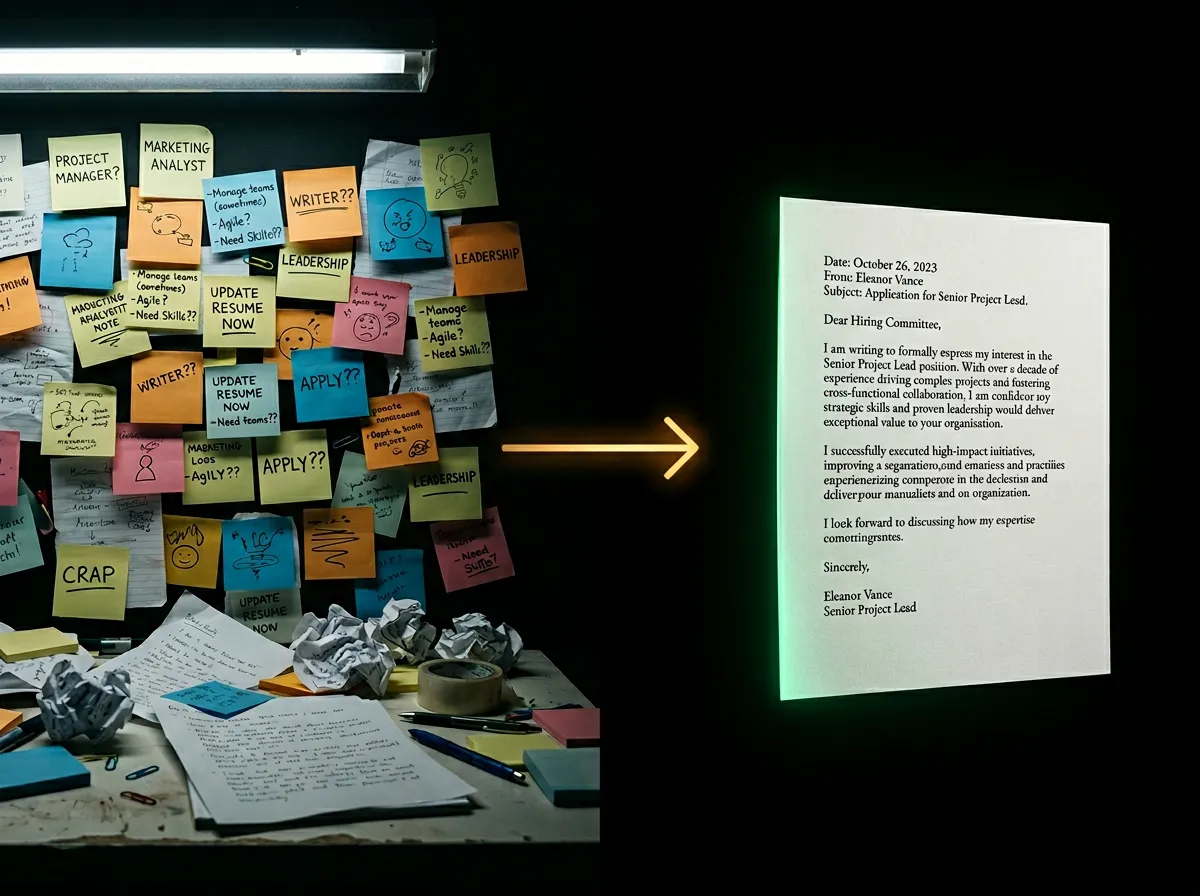
For each job entry, add the company, title, dates, and at least one real achievement. The AI converts these into achievement-anchored bullet points that hiring managers respond to.
Paste the job description for ATS scoring
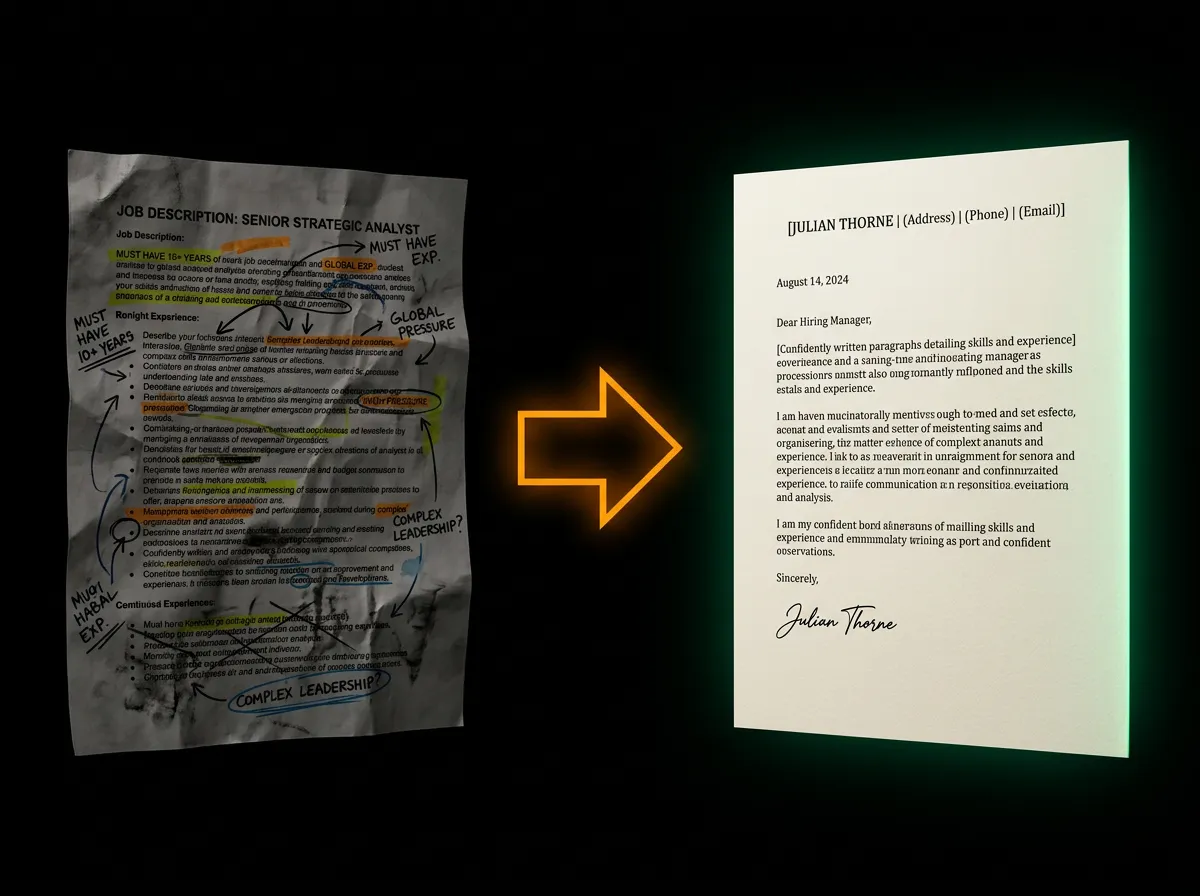
Optionally paste the job description. The AI tailors your bullet language to match JD keywords and shows you an ATS score with matched and missing terms.
Download PDF or Word
Your resume is generated instantly. Download as a print-ready PDF or an editable .docx file for final tweaks in Word or Google Docs.
Questions.
Still have questions? We're here.
Contact Support