
AI Halloween Costume Generator
AADDYY's Halloween Costume Generator creates unique costume designs for individuals, couples, groups, or families with AI.
$0.06 per image · 6 credits · no subscription
per image; output type "All" renders 4 views at 4x the price; up to 4 images per request
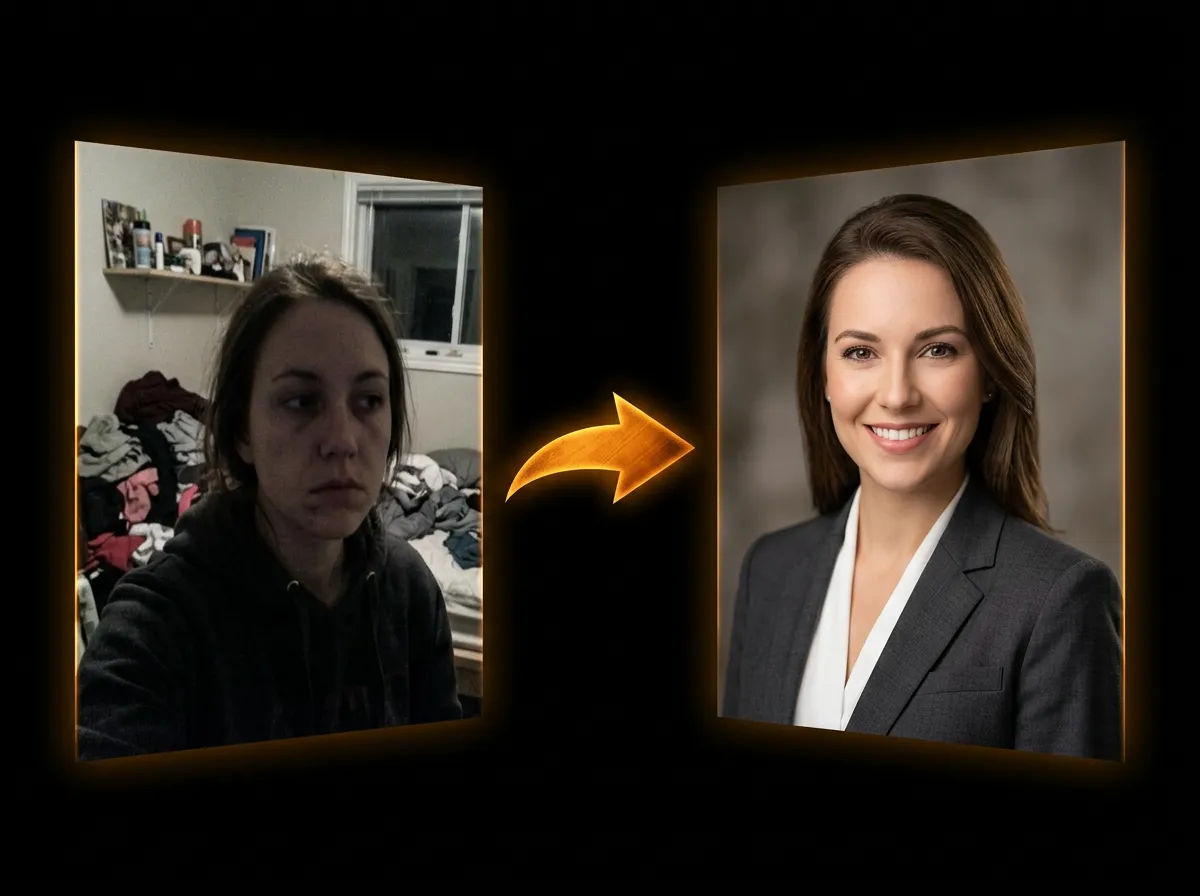
Upload your photo.
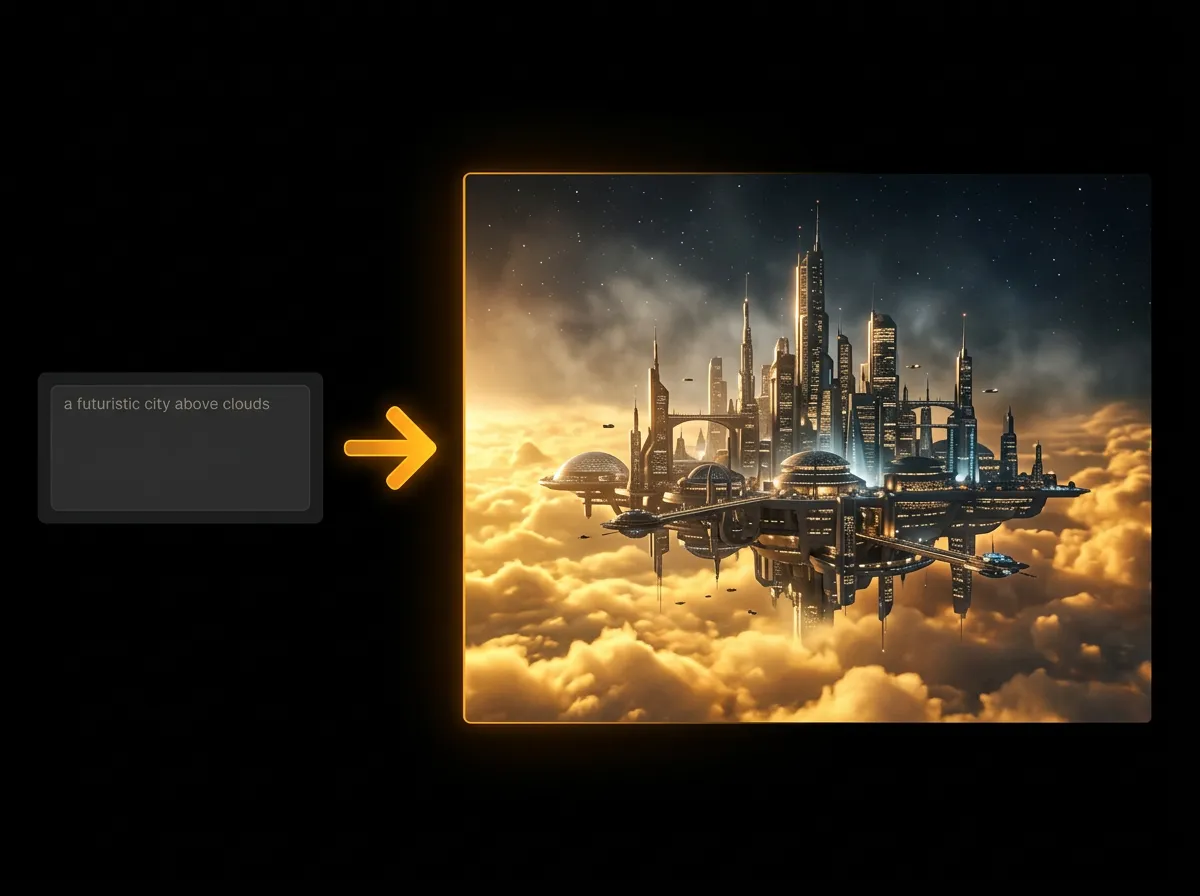
Describe your costume
Write the costume you want, then optionally upload a photo of yourself so the AI fits the costume to you.
Choose a costume theme
Pick one of 10 themes — Classic Horror, Fantasy, Sci-Fi, Gothic, Pop Culture and more — and set the mood, era and view: concept art, full body, makeup close-up, accessories or all four.
Download your costume preview
See the costume, on you if you added a photo, and download the image for inspiration when shopping for or assembling your outfit.

Questions.
How does the AI Halloween Costume Generator work?
Our AI Halloween Costume Generator uses AI for image generation. Simply describe your ideal costume, select your preferences for theme, mood, and style, and the AI creates unique costume designs in multiple views. You can upload personal photos for customized fitting or inspiration images to guide the design. Generation typically takes 15-30 seconds.
What costume types can I generate?
You can generate costumes for individuals, couples, groups, or families. For couple, group, and family costumes, you can specify a coordination concept (e.g., 'Avengers team', 'Mario Kart characters') to ensure the designs work together cohesively. Each costume type supports full customization with themes, moods, eras, and accessories.
What themes and styles are available?
Choose from 10 themes including Classic Horror, Fantasy, Sci-Fi, Gothic, Mythical, Pop Culture, Funny, Cute, Retro, and Futuristic. Select character moods (Scary, Mysterious, Cute, Powerful, Funny, Elegant, Creepy, Whimsical) and eras (Modern, Medieval, Victorian, Futuristic, Post-Apocalyptic, 80s/90s Retro) to customize your costume's vibe and time period.
What are the different output views and how much do they cost?
You can generate 4 view types: Costume Concept Image (illustration/concept art), Full Body Render (worn costume), Makeup Close-Up (face/makeup details), or Accessories Layout (props and accessories). Each view costs $0.06 (6 credits) per image. Selecting 'All' generates all 4 views at 4x the cost ($0.24 (24 credits) per image). You can also generate 1-4 image variations per view.
Can I upload my photo for personalized costume fitting?
Yes! Upload your photo (or family/group photos) to have the AI adapt the costume design to match body proportions and facial features. This enables personalized fitting and shows how you would look in the costume. Combined with inspiration images, you can upload up to 3 total images (1 photo + up to 2 inspiration images). Supports PNG, JPG, WebP up to 10MB each.
How do I customize accessories, colors, and materials?
Select from 8 accessory types (Mask, Makeup, Hat, Cape, Armor, Jewelry, Props, Wings), 9 color palette options (Black, Red, Purple, Gold, White, Green, Orange, Blue, Silver), and 6 material preferences (Fabric, Leather, Metallic, Plastic, Organic, Ethereal/Magic Glow). Mix and match multiple accessories and colors to create your perfect costume aesthetic.
What is the creativity level slider?
The creativity level (1-10 scale) controls how realistic vs. fantasy-heavy your costume design will be. Level 1-3: Realistic, wearable costumes that could be created with standard materials. Level 4-7: Balanced approach mixing reality and fantasy elements. Level 8-10: Highly stylized, fantasy-heavy designs with magical effects and impossible details. Adjust based on whether you're planning to actually make the costume or just want concept art.
Can I generate costumes for different genders and ages?
Yes! Select gender fit options (Feminine, Masculine, Androgynous, Kids) to tailor the costume design's silhouette and proportions. The 'Body Type Adaptation' feature (enabled by default) ensures designs adapt to different body types and proportions. This is especially useful for family costumes with varying ages and sizes.
How much does it cost to generate Halloween costumes?
Each image costs $0.06 (6 credits), multiplied by the number of images and by the output type: 1x for Costume Concept, Full Body, Makeup or Accessories, and 4x for All, which generates all 4 views. For example, 1 concept image costs $0.06 (6 credits), 2 full-body images $0.12 (12 credits), 1 image with all views $0.24 (24 credits) and 4 images with all views $0.96 (96 credits).
What makes a good costume description prompt?
Be specific and descriptive (10-2000 characters): include the main costume concept, specific details about appearance, key accessories, desired mood/vibe, colors, and any special elements. Good example: 'Gothic vampire with elegant Victorian black velvet dress, dramatic red-lined cape, antique silver jewelry, pale makeup with dramatic red eyes, fangs, holding ornate staff.' The more detail you provide, the better the AI can visualize and create your ideal costume.
Can I use inspiration images to guide the costume design?
Absolutely! Upload up to 3 inspiration images (when not using photo upload, or up to 2 with photo upload) to show the AI specific design elements, styles, or looks you want to incorporate. The AI analyzes these images for colors, patterns, textures, and style elements, then integrates them into your custom costume design while following your text prompt and other parameters.
Can I use these costume designs to actually make costumes?
Yes! The generated images serve as detailed concept art and reference material for costume creation. They show you what the finished costume could look like, including details like colors, materials, accessories, and makeup. Use them to guide your costume-making process, share with costume makers, or inspire your DIY project. For commercial costume production or sales, you retain rights to the generated designs.
Still have questions? We're here.
Contact Support