
AI Job Email Creator
AADDYY's AI Job Email Creator generates professional emails for applications, follow-ups, interviews, and career communication.
$0.10 per email · 10 credits · no subscription
per email; +$0.02 per extra variation (up to 5)
Describe the email you need.
Enter the job details
Provide the company name, position title, and key qualifications from the job posting. Include any specific requirements you want to address.
Add your background
Briefly describe your experience, skills, and why you're a good fit. The AI weaves these into a natural, compelling email.
Review and send
Get a polished, personalized job application email. Adjust tone and details, then copy it into your email client.
Questions.
What is the AI Job Email Creator?
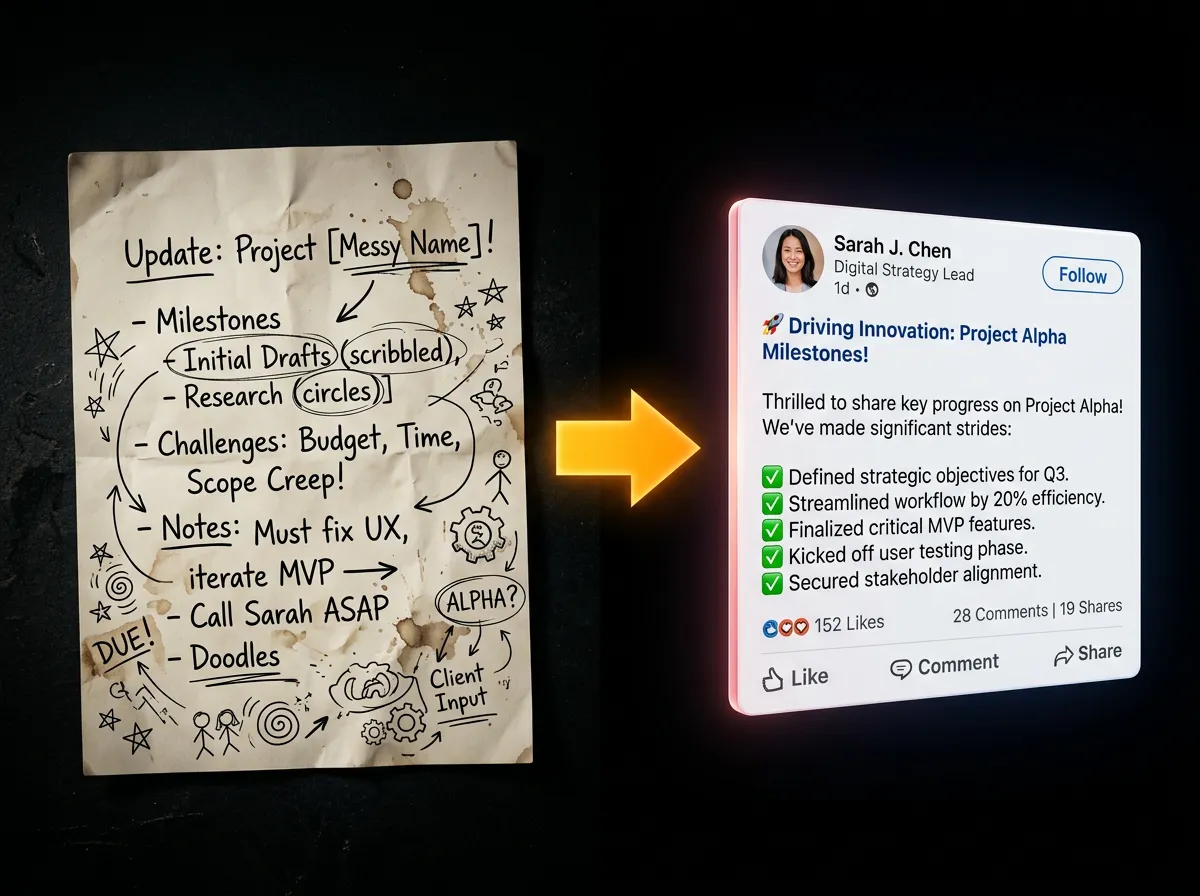
The AI Job Email Creator is a professional tool that generates context-aware, compelling job-related emails for various career scenarios including job applications, follow-ups, interview scheduling, thank you notes, offer negotiations, rejection responses, and professional networking. It helps you create polished, effective career communication in seconds.
What types of job emails can I create?
You can create 8 types of professional job emails: (1) Job Application - initial application submissions with compelling introductions, (2) Follow-up Email - following up after applying or interviews, (3) Interview Scheduling - confirming interview times and availability, (4) Interview Thank You - expressing gratitude after interviews, (5) Job Inquiry - inquiring about opportunities, (6) Offer Negotiation - discussing compensation and terms, (7) Rejection Response - responding gracefully to rejections, and (8) Generic Professional - general career communication.
How does the tone and formality control work?
You can customize your email's tone with 6 options: Formal (traditional business), Neutral (balanced professional), Friendly (warm yet professional), Enthusiastic (show excitement), Confident (assert capabilities), and Humble (express gratitude). Additionally, adjust formality on a 1-5 scale where 1 is casual and 5 is very formal. This ensures your email matches the company culture and position level perfectly.
What information do I need to provide?
Required information includes: job title, company name, and your full name. Optional details enhance personalization: recipient name, your current role, portfolio/LinkedIn URL, custom context (specific skills to emphasize), and additional instructions. The more context you provide, the more tailored and effective your email becomes.
Does it generate subject lines automatically?
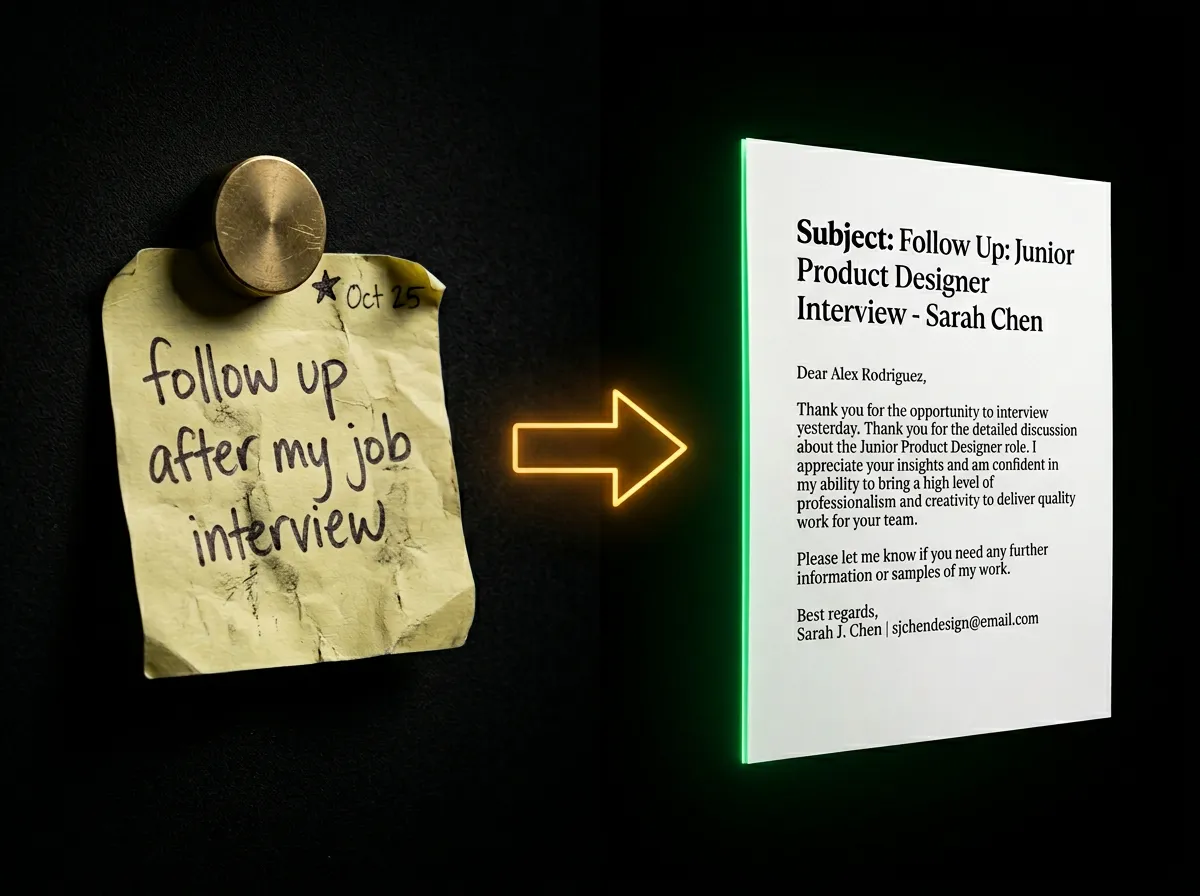
Yes! By default, the tool generates compelling, professional subject lines for each email variation. Subject lines are tailored to the email type - for example, job applications get attention-grabbing headlines like 'Application for [Position] - [Your Name]' while thank you emails might say 'Thank You for the [Position] Interview Opportunity'. Each variation can have its own unique subject line.
Can I generate multiple versions of the same email?
Absolutely! You can generate up to 5 different variations of your job email in a single request. Each variation offers a different approach, phrasing, or angle while maintaining the same core message and professionalism. This gives you options to choose the version that best represents your style and situation. Each variation after the first adds to the price — per email; +$0.02 per extra variation (up to 5).
What languages are supported?
Job emails can be generated in 7 languages: English, Spanish, French, German, Hindi, Arabic, and Chinese. This is perfect for international job applications or companies operating in different regions. The AI maintains professional tone and cultural appropriateness in each language.
How does email length customization work?
Choose from 3 length options: (1) Short (<100 words) - concise and to-the-point for quick communication, (2) Medium (100-200 words) - balanced detail ideal for most job emails (default), and (3) Long (200-300 words) - comprehensive with detailed explanations for complex situations or senior positions. The AI ensures clarity regardless of length.
Can I include my portfolio or LinkedIn profile?
Yes! There's a dedicated field for your portfolio URL or LinkedIn profile. The AI intelligently incorporates this link into your email at the appropriate place, making it easy for recruiters and hiring managers to review your work and professional background. This increases your chances of making a strong impression.
What makes a good job email?
Effective job emails have: (1) Clear, compelling subject lines, (2) Professional greeting with recipient's name when known, (3) Strong opening that shows genuine interest, (4) Brief, relevant background highlighting key skills, (5) Specific connection to the role and company, (6) Clear call-to-action (interview request, meeting, etc.), and (7) Professional closing with contact info. Our AI incorporates all these elements automatically based on your inputs.
How much does it cost?
One job email costs $0.10 (10 credits) — per email; +$0.02 per extra variation (up to 5). Our transparent pay-per-use model means you only pay for what you generate - no subscriptions or hidden fees.
Can I edit the generated email before sending?
Definitely! The generated emails are meant to be a strong foundation that you can customize. We recommend reviewing and personalizing each email to add specific examples, adjust details, or incorporate information not captured in the form. The emails come as plain text, with a subject line by default, or as an HTML template if you choose it, ready to copy, paste, and edit in your email client.
Still have questions? We're here.
Contact Support