
AI Nano Banana Tips — How to Get Better Image Edits
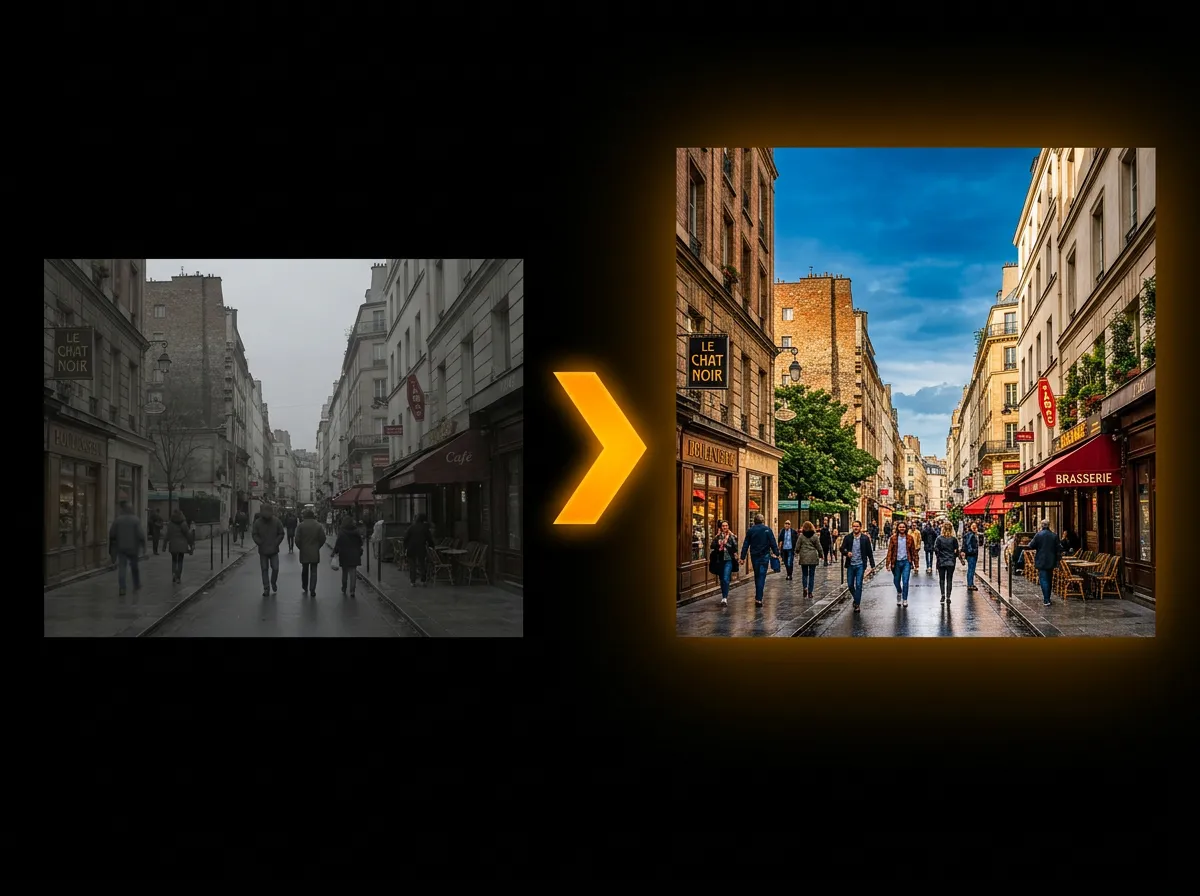
AADDYY's AI Nano Banana Edit changes photos from a written instruction: swap the background, restyle the picture, combine several images into one, or add, remove and recolour objects. These tips help you get the edit you want in fewer tries.
Step-by-Step Guide
Start from a clear photo
Upload a sharp, well-lit PNG, JPG or WebP photo (up to 10MB), or paste an image link. Subjects that are clear in the original stay clearer in the edit.
Say what changes and what stays
Write one specific instruction, such as "replace the background with a beach at sunset and keep the person unchanged". Name the colours, objects and style you want.
Add reference images with a purpose
To combine scenes or copy a look, add up to 10 images in total and say what to take from each one, for example "put the jacket from the second image on the person in the first". Each extra reference image adds to the price.
Pick the shape and the file type
Choose an aspect ratio, or Auto to let the AI decide, and pick PNG, JPEG or WebP under Advanced Options.
Compare versions, then refine
Ask for up to 4 output images at once (each is priced as one image), download the best one, or adjust the instruction and run it again.
Try AI Nano Banana Edit on AADDYY
AADDYY's AI Nano Banana Edit changes photos from a written instruction: swap the background, restyle the picture, combine several images into one, or add, remove and recolour objects. These tips help you get the edit you want in fewer tries.
Use AI Nano Banana Edit NowPay-per-use. No subscription required.