
How to Remove the Background from an Image
Removing the background from an image is effortless with AADDYY's AI Background Remover. Upload any photo and the AI automatically detects the subject and erases everything behind it, returning a clean transparent PNG in seconds — no manual masking or design skills required.
Step-by-Step Guide
Upload your image
Drag and drop or browse to select a PNG, JPG, or WEBP file up to 20MB.
Let the AI detect the subject
AADDYY's AI separates the foreground from the background automatically — no lassoing or brushing.
Preview the cutout
Check the result on a transparency checkerboard to confirm clean edges around your subject.
Download the transparent PNG
Save a high-resolution PNG with a fully transparent background, ready to drop onto any backdrop.
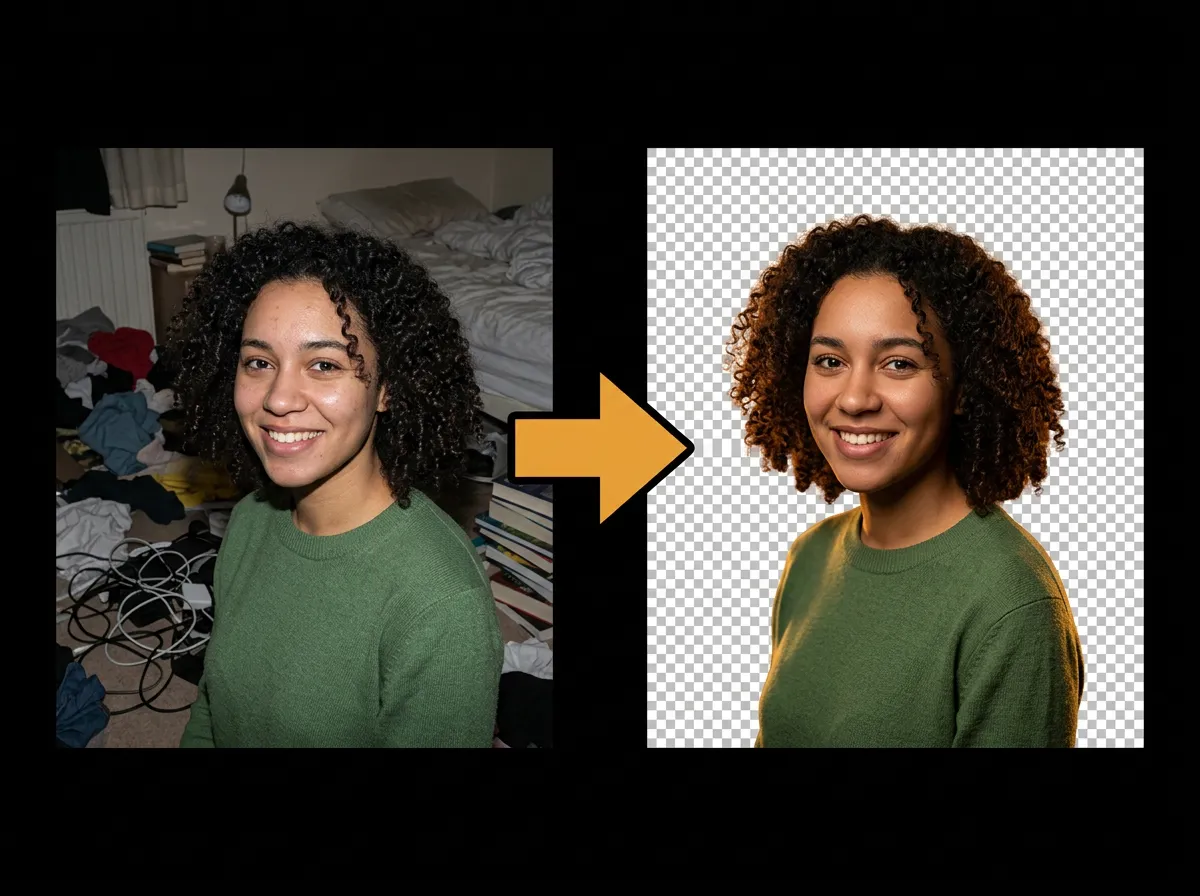
Try AI Background Remover on AADDYY
Removing the background from an image is effortless with AADDYY's AI Background Remover. Upload any photo and the AI automatically detects the subject and erases everything behind it, returning a clean transparent PNG in seconds — no manual masking or design skills required.
Use AI Background Remover NowPay-per-use. No subscription required.