photo-editing Guide

Remove Image Backgrounds Online — Fast & Easy

AADDYY's online background remover works directly in your browser — no software to install. Powered by AI, it cleanly cuts out people, products, and objects from any photo in seconds. Pay only per use with no subscription.

·2 min read

Step-by-Step Guide

1

Open the tool

Navigate to AADDYY's AI Background Remover in your browser — works on desktop and mobile.

2

Upload your photo

Select the image whose background you want to erase. PNG, JPG, and WEBP up to 20MB are supported.

3

Remove the background

Click Remove Background and let the AI isolate your subject automatically.

4

Download your cutout

Download the transparent PNG and use it anywhere — listings, designs, or presentations.
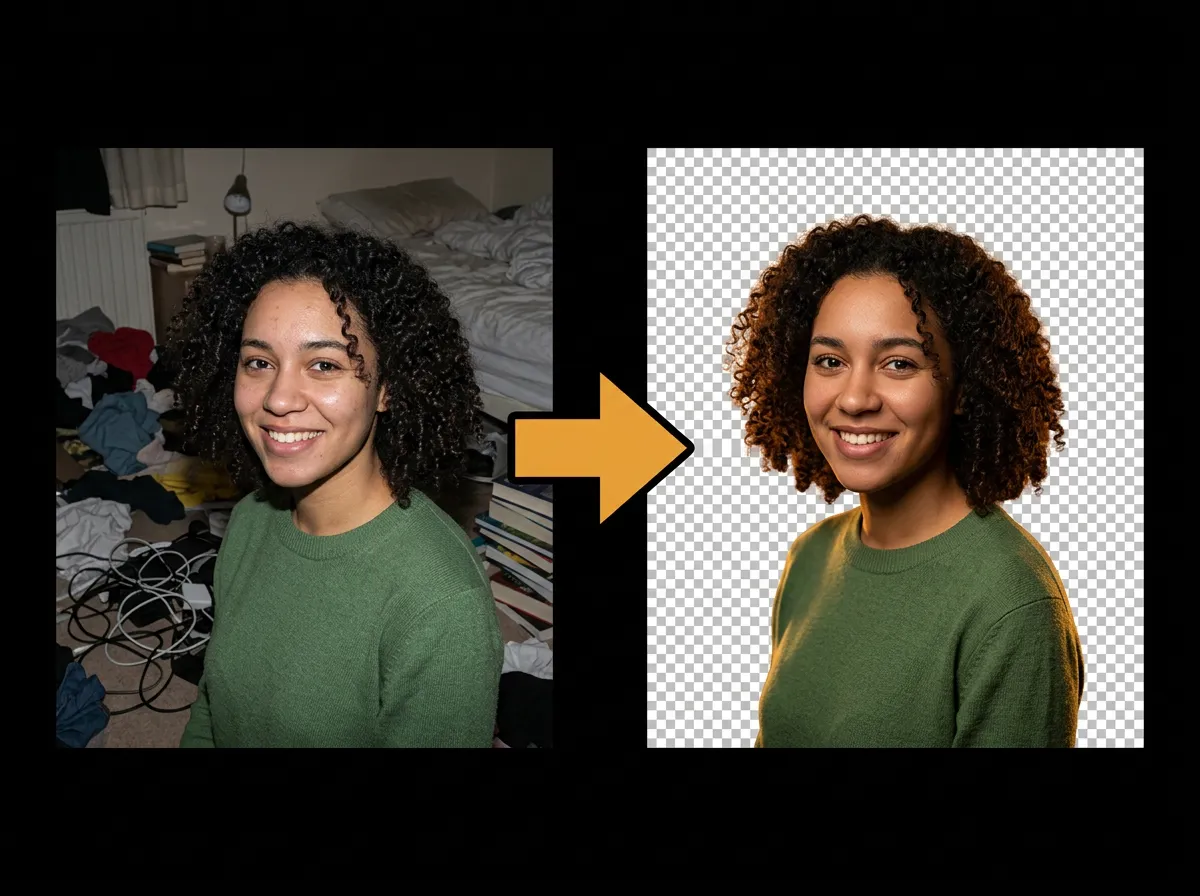
AI Background Remover

Try AI Background Remover on AADDYY

AADDYY's online background remover works directly in your browser — no software to install. Powered by AI, it cleanly cuts out people, products, and objects from any photo in seconds. Pay only per use with no subscription.

Use AI Background Remover Now

Pay-per-use. No subscription required.

Related Guides

How to Remove the Background from an Image

Removing the background from an image is effortless with AADDYY's AI Background Remover. Upload any photo and the AI automatically detects the subject and erases everything behind it, returning a clean transparent PNG in seconds — no manual masking or design skills required.

AI Background Remover

How to Make an Image Background Transparent

Need a transparent background for a logo, sticker, or product shot? AADDYY's AI Background Remover converts any photo into a transparent PNG by detecting and removing the background automatically — the alpha channel is preserved so your subject floats cleanly on any surface.

AI Background Remover

Background Remover for Product Photos

Marketplaces like Amazon, Etsy, and Shopify expect clean product images on white or transparent backgrounds. AADDYY's AI Background Remover cuts your product out of any setting so you can drop it onto a pure-white or transparent backdrop in seconds.

AI Background Remover