
How to Remove a Watermark from an Image
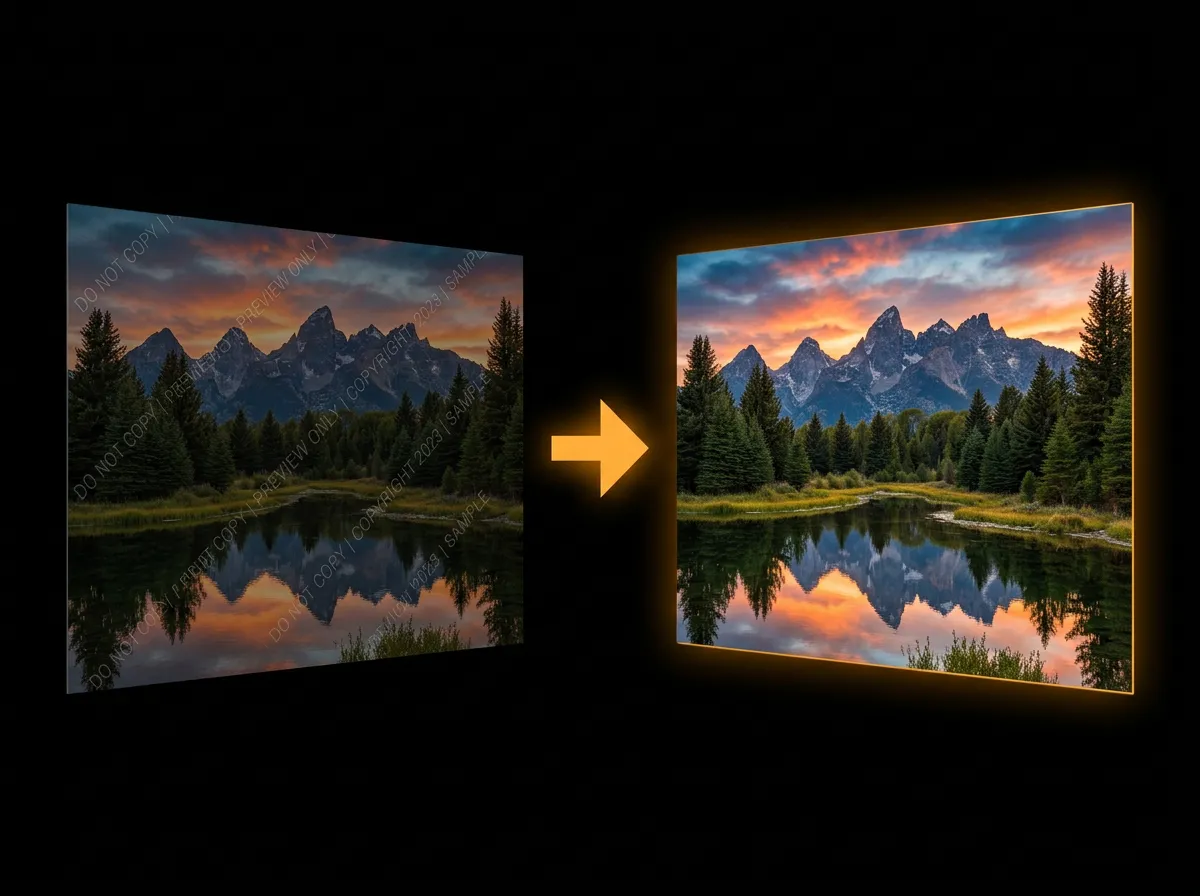
Removing watermarks from images is simple with AADDYY's AI Watermark Remover. Upload your photo and the AI intelligently detects and erases watermarks while preserving the original image quality. The entire process takes just seconds with no manual editing required.
Step-by-Step Guide
Upload your image
Drag and drop or browse to select the watermarked image from your device.
Let AI detect the watermark
AADDYY's AI automatically identifies the watermark region and analyzes the underlying pixels.
Review the clean result
Preview the watermark-free image to ensure the result meets your expectations.
Download the cleaned image
Save the final image in high resolution to your device.
Try AI Watermark Remover on AADDYY
Removing watermarks from images is simple with AADDYY's AI Watermark Remover. Upload your photo and the AI intelligently detects and erases watermarks while preserving the original image quality. The entire process takes just seconds with no manual editing required.
Use AI Watermark Remover NowPay-per-use. No subscription required.