
photo-editing Guide
How to Upscale an Image with AI — Increase Resolution
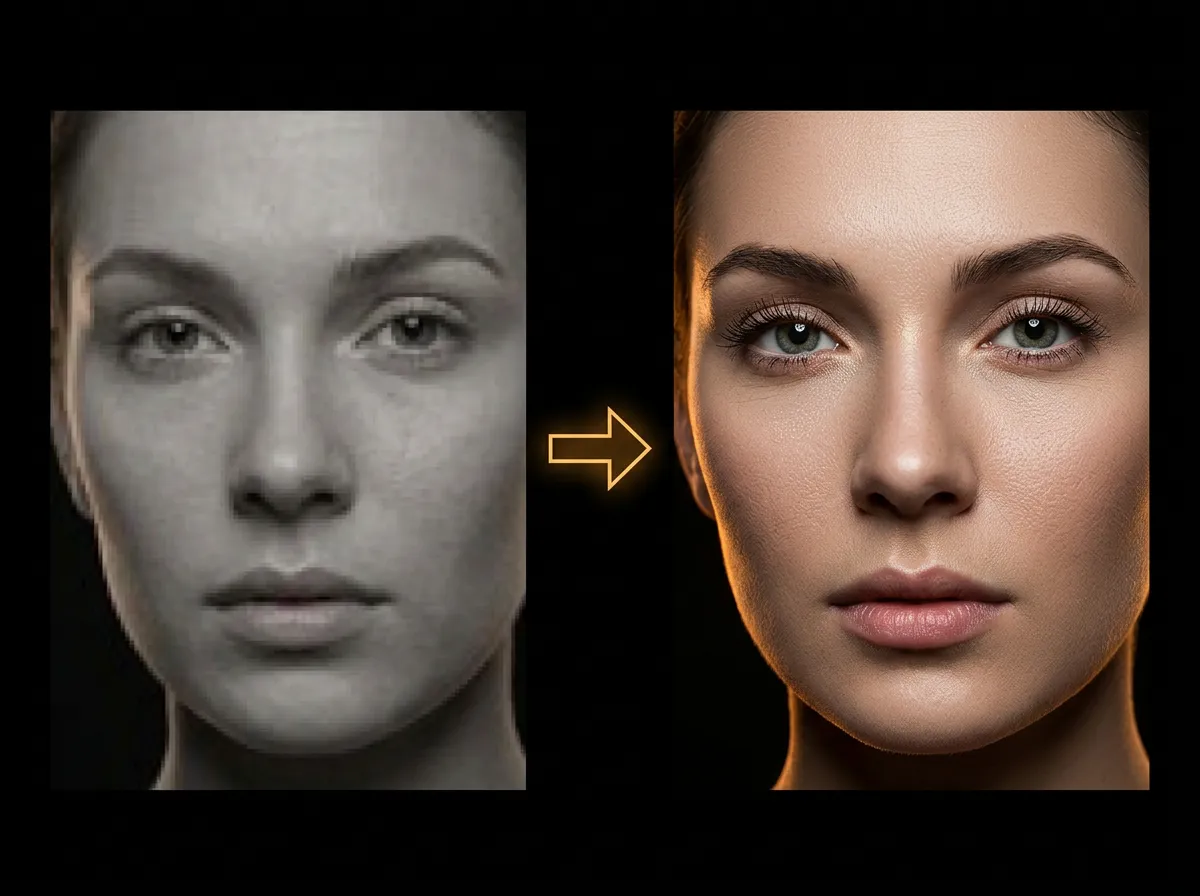
AADDYY's AI Image Upscaler increases image resolution without quality loss. Upload a low-resolution photo and the AI enhances it to 2x or 4x the original size with sharp details. Perfect for enlarging old photos, social media images, and print preparation.
·2 min read
Step-by-Step Guide
1
Upload your image
Select the low-resolution image you want to upscale.
2
Choose upscale factor
Select 2x or 4x resolution increase.
3
AI enhances the image
The AI adds detail and sharpness while increasing resolution.
4
Download the upscaled image
Save the higher-resolution version to your device.
Try AI Upscale Image on AADDYY
AADDYY's AI Image Upscaler increases image resolution without quality loss. Upload a low-resolution photo and the AI enhances it to 2x or 4x the original size with sharp details. Perfect for enlarging old photos, social media images, and print preparation.
Use AI Upscale Image NowPay-per-use. No subscription required.