
photo-editing Guide
How to Upscale Low Resolution Images Without Quality Loss
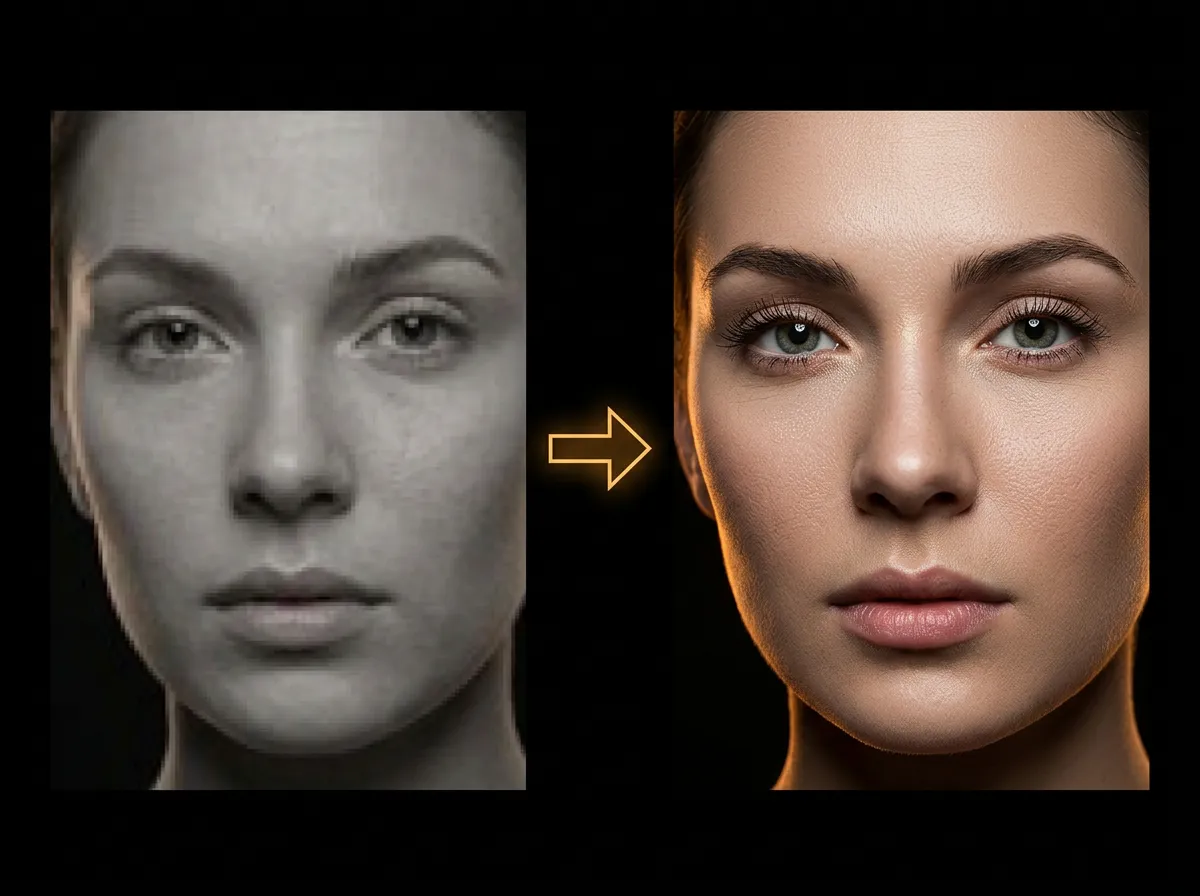
Low-resolution images look blurry when enlarged. AADDYY's AI Upscaler solves this by intelligently adding detail during the upscaling process. The AI reconstructs textures, edges, and fine details that simple interpolation methods can't match.
·2 min read
Step-by-Step Guide
1
Upload the low-res image
Select any low-resolution photo you want to improve.
2
Select enhancement mode
Choose photo, illustration, or art-specific upscaling.
3
Generate the high-res version
The AI creates a sharp, detailed higher-resolution image.
4
Compare and download
View the before/after comparison and save the enhanced image.
Try AI Upscale Image on AADDYY
Low-resolution images look blurry when enlarged. AADDYY's AI Upscaler solves this by intelligently adding detail during the upscaling process. The AI reconstructs textures, edges, and fine details that simple interpolation methods can't match.
Use AI Upscale Image NowPay-per-use. No subscription required.