
How to Remove a Watermark from a Photo Without Blur
Traditional clone-stamp methods often leave blurry patches when removing watermarks. AADDYY's AI Watermark Remover uses neural inpainting to reconstruct textures and details cleanly, preserving sharpness across the entire image. No Photoshop skills required.
Step-by-Step Guide
Upload the photo
Select the watermarked photo from your computer or phone.
AI-powered inpainting
The model analyzes surrounding textures and fills the watermark area without blurring.
Inspect details
Zoom in to verify the reconstructed area matches the rest of the image.
Save high-quality output
Download the clean photo at full resolution with no quality loss.
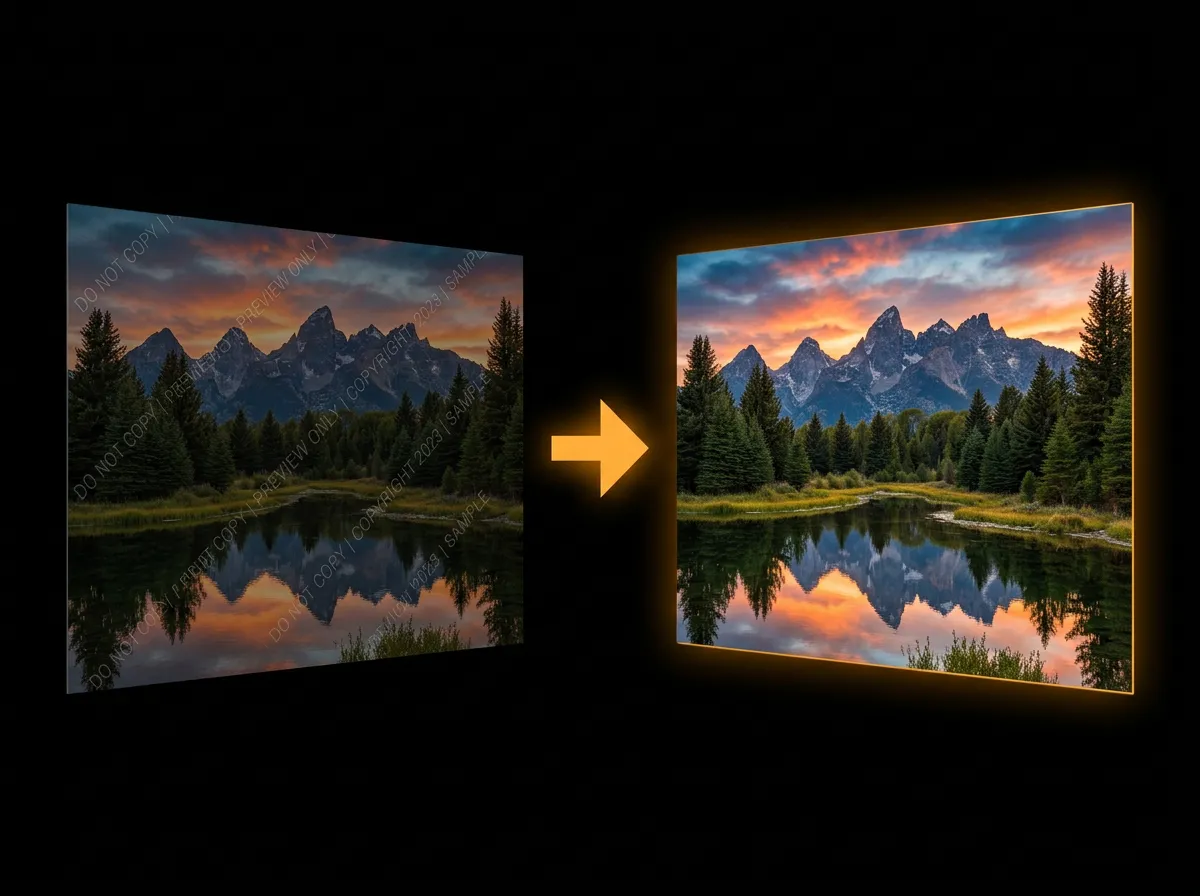
Try AI Watermark Remover on AADDYY
Traditional clone-stamp methods often leave blurry patches when removing watermarks. AADDYY's AI Watermark Remover uses neural inpainting to reconstruct textures and details cleanly, preserving sharpness across the entire image. No Photoshop skills required.
Use AI Watermark Remover NowPay-per-use. No subscription required.