
How to Write AI Image Prompts That Get Great Results
Writing effective AI image prompts is key to getting great results from AADDYY's Image Generator. Include the subject, setting, art style, lighting, and camera angle in your prompt for the most detailed output. Specific, descriptive prompts consistently outperform vague requests.
Step-by-Step Guide
Start with the subject
Clearly describe the main subject — person, object, landscape, or scene.
Add style and medium
Specify the art style (photorealistic, watercolor, digital art) and medium.
Include lighting and mood
Mention lighting conditions (golden hour, studio lighting) and emotional tone.
Specify composition
Add camera angle, framing, and any text or elements you want included.
Generate and iterate
Run the prompt, review the result, and refine your wording for better outputs.
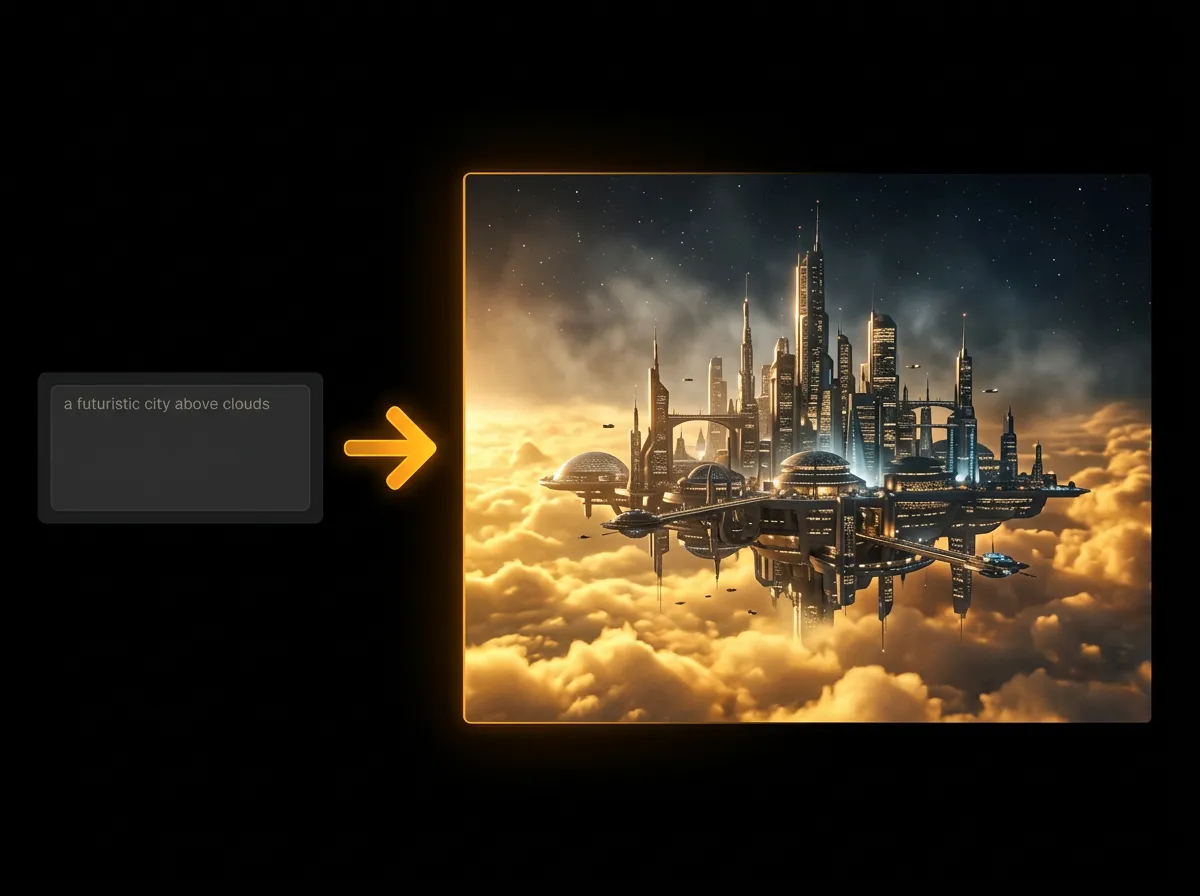
Try AI Image Generator on AADDYY
Writing effective AI image prompts is key to getting great results from AADDYY's Image Generator. Include the subject, setting, art style, lighting, and camera angle in your prompt for the most detailed output. Specific, descriptive prompts consistently outperform vague requests.
Use AI Image Generator NowPay-per-use. No subscription required.