
How to Create an AI Headshot for Your Resume
A professional headshot on your resume makes a strong first impression. AADDYY's AI Headshot Generator lets you create one in seconds from any casual photo. The result is a clean, high-resolution portrait that looks like it was taken in a professional studio.
Step-by-Step Guide
Choose a recent photo
Pick a well-lit, front-facing image with a neutral expression.
Select a neutral background
White or light gray backgrounds are the standard for resume photos.
Generate the headshot
Let the AI transform your casual photo into a polished portrait.
Download and add to your resume
Save in PNG or JPG and insert into your resume template.
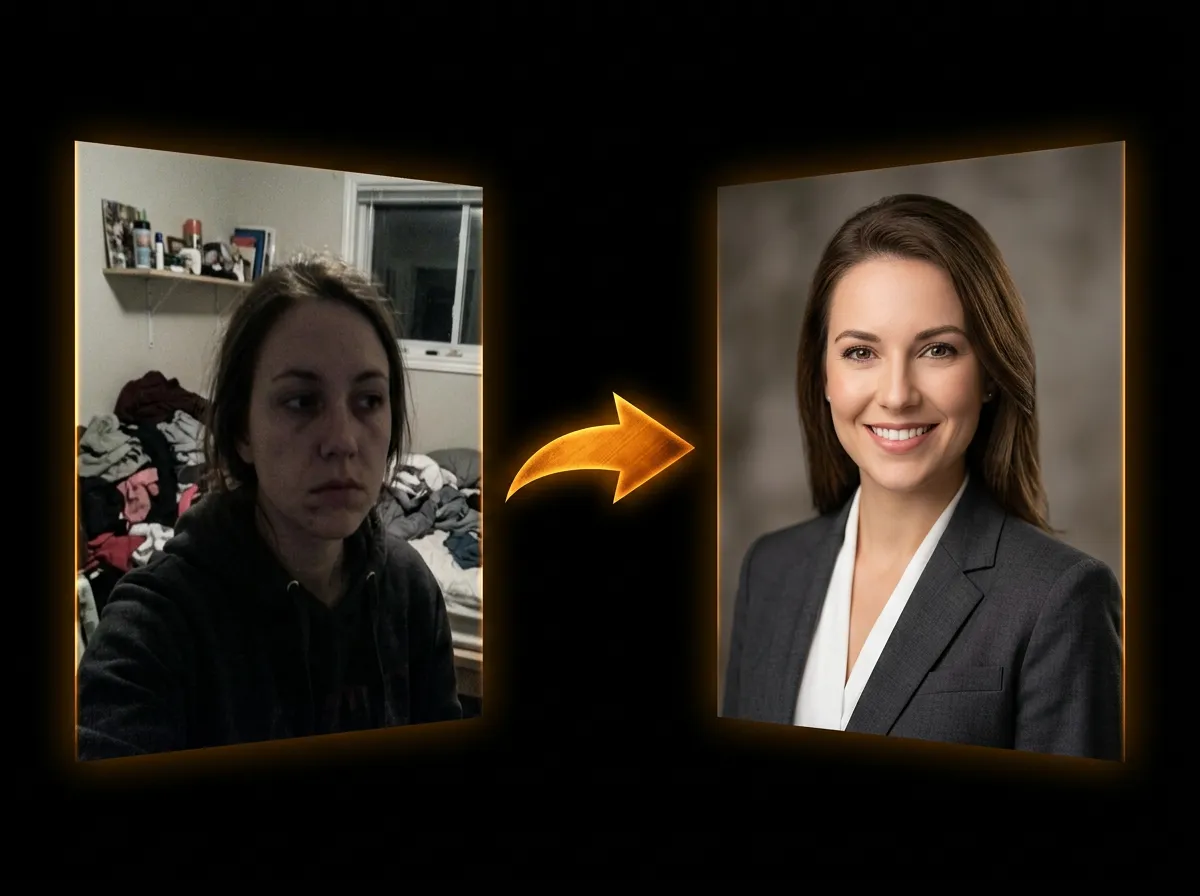
Try AI Headshot Generator on AADDYY
A professional headshot on your resume makes a strong first impression. AADDYY's AI Headshot Generator lets you create one in seconds from any casual photo. The result is a clean, high-resolution portrait that looks like it was taken in a professional studio.
Use AI Headshot Generator NowPay-per-use. No subscription required.