design Guide

SVG Logo Maker — Logos You Can Scale to Any Size

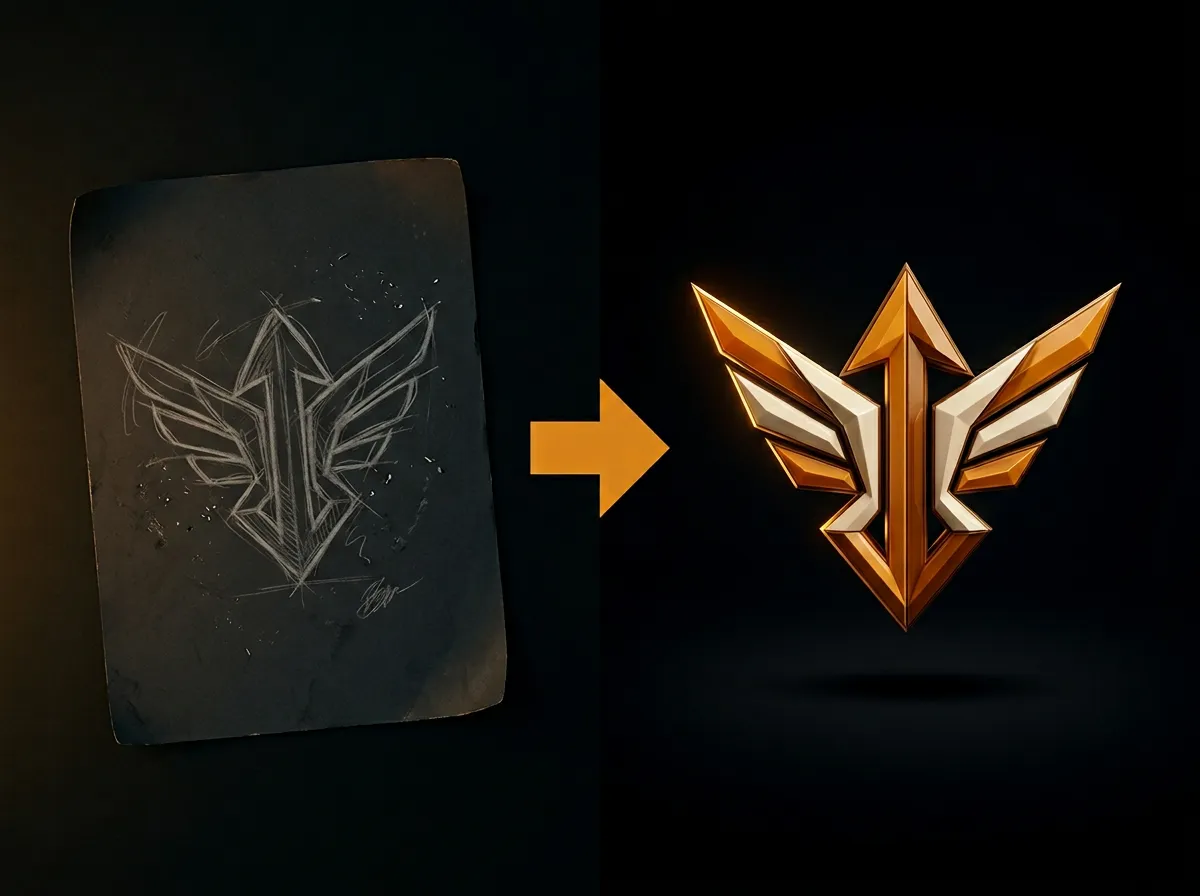
An SVG logo stays sharp from a favicon to a billboard. AADDYY's AI Logo Creator delivers an SVG for most of the concepts it designs, alongside a high-resolution PNG, so the same logo works on screen and in print.

·2 min read

Step-by-Step Guide

1

Write your brief

Enter the brand name and, if you like, a tagline, a description and your colours.

2

Generate concepts

Make one to six concepts; each card shows whether an SVG is included.

3

Download the SVG

Save the SVG for print, signage and large screens, and the PNG for quick use online.

4

Adjust it if you need to

Open the SVG in any vector editor to change colours or spacing.
AI Logo Creator

Try AI Logo Creator on AADDYY

An SVG logo stays sharp from a favicon to a billboard. AADDYY's AI Logo Creator delivers an SVG for most of the concepts it designs, alongside a high-resolution PNG, so the same logo works on screen and in print.

Use AI Logo Creator Now

Pay-per-use. No subscription required.

Related Guides

Logo Maker with a Transparent Background

A logo with a transparent background sits cleanly on any website, photo or product. AADDYY's AI Logo Creator makes transparent PNGs by default and lets you preview each concept on a checkerboard, light or dark background.

AI Logo Creator

AI Logo Maker Online — Design a Logo in Minutes

AADDYY's AI Logo Creator turns a short brief into up to six distinct logo concepts in a few minutes. They differ in logo type, palette and typeface unless you fix those, and each comes as a transparent PNG, with an SVG for most concepts. No design software needed.

AI Logo Creator

Best AI Logo Generator in 2026

A good AI logo generator gives you distinct concepts, correctly spelled names, transparent backgrounds and files that scale. AADDYY's AI Logo Creator is built around those four, with up to six concepts per run and an SVG for most of them.

AI Logo Creator