
How to Swap Faces with AI — Step-by-Step Guide
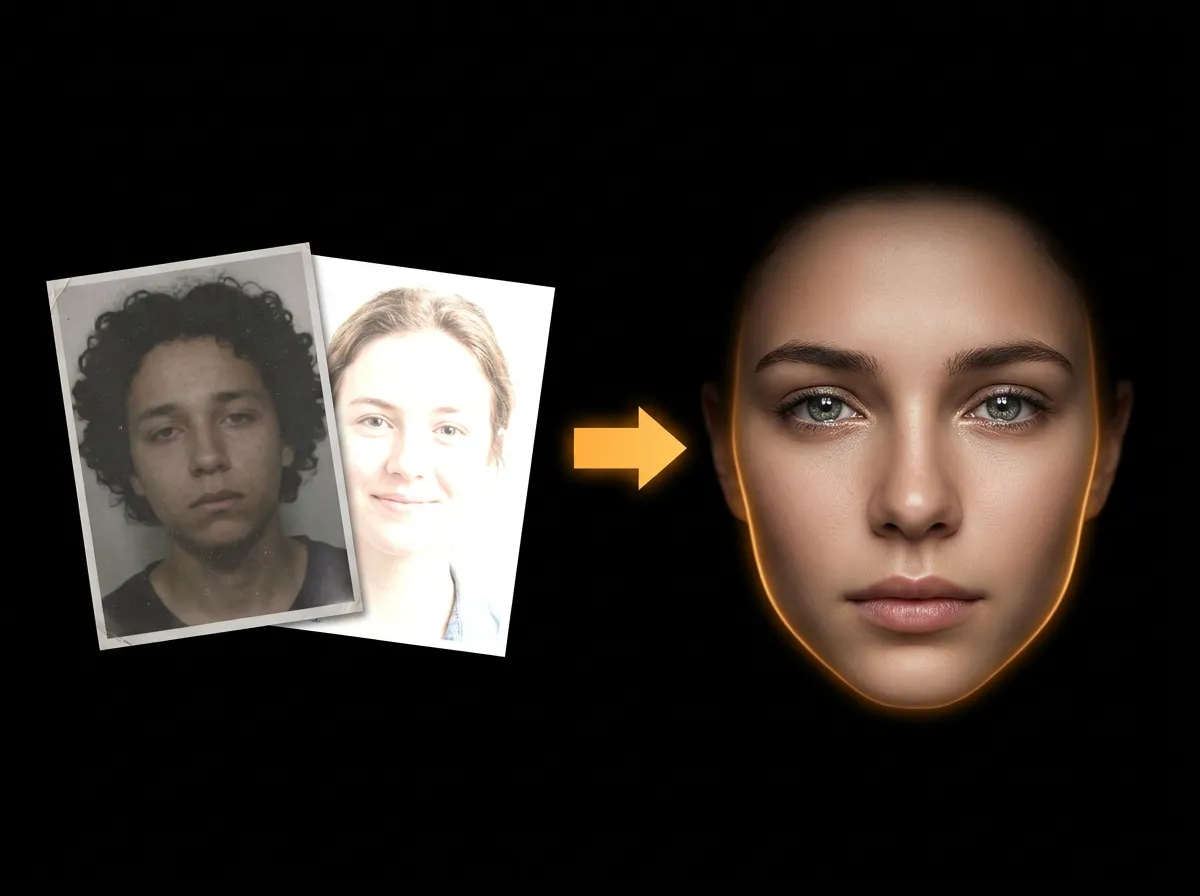
Swapping faces with AI has never been easier. AADDYY's Face Swapper uses advanced AI to seamlessly transplant any face onto any body in seconds. This guide shows you how to get the best photorealistic results.
Step-by-Step Guide
Choose clear source photo
Use a front-facing, well-lit photo for the face. Passport-style photos work perfectly.
Choose your target image
Any photo with a person works. The body, clothes, and background are preserved.
Upload both images
Upload to AADDYY's Face Swapper at aaddyy.com/tools/ai-face-swapper.
Download result
Get your photorealistic face swap — similar lighting angles give the best results.
Try AI Face Swapper on AADDYY
Swapping faces with AI has never been easier. AADDYY's Face Swapper uses advanced AI to seamlessly transplant any face onto any body in seconds. This guide shows you how to get the best photorealistic results.
Use AI Face Swapper NowPay-per-use. No subscription required.