
How to Design a Logo with AI — Step by Step Guide
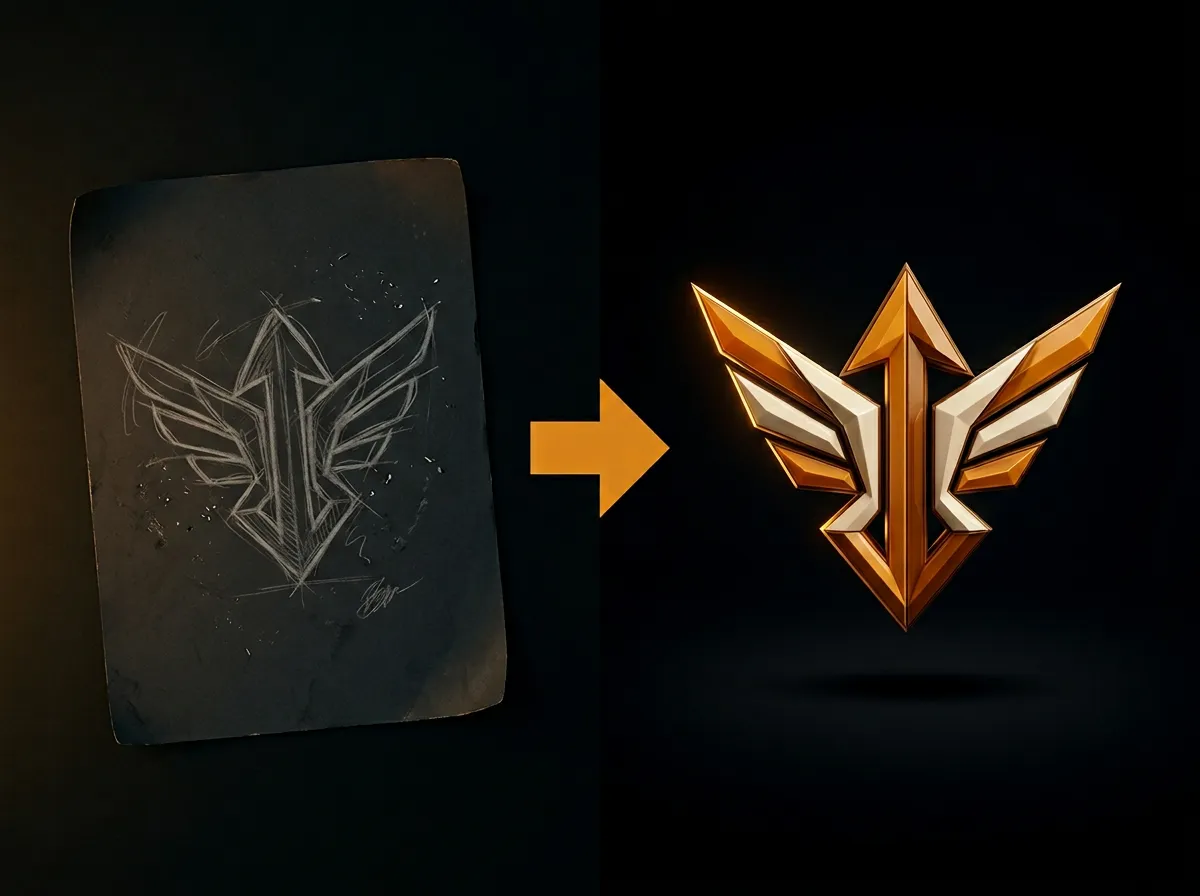
Designing a logo with AI is fast and affordable with AADDYY. This step-by-step guide shows you how to create a professional logo from a text prompt. Describe your brand personality, choose colors and style, and the AI delivers unique concepts you can use immediately.
Step-by-Step Guide
Define your brand identity
Think about your brand values, target audience, and desired aesthetic.
Write a detailed prompt
Describe the logo including colors, shapes, fonts, and style.
Generate multiple options
Create several logo variations to compare.
Refine your choice
Adjust the prompt to fine-tune your favorite design.
Download and use
Save the final logo for your website, business cards, and social media.
Try AI Logo Creator on AADDYY
Designing a logo with AI is fast and affordable with AADDYY. This step-by-step guide shows you how to create a professional logo from a text prompt. Describe your brand personality, choose colors and style, and the AI delivers unique concepts you can use immediately.
Use AI Logo Creator NowPay-per-use. No subscription required.