
How to Create Instagram Posts with AI — Step by Step
Creating engaging Instagram posts is easy with AADDYY's AI Instagram Post Generator. This guide walks you through one post from idea to caption: show the AI your brand with reference images or your website URL, describe the post, and publish it to your feed — all without design skills or expensive software.
Step-by-Step Guide
Show the AI your brand
Upload 1 to 6 reference images or enter your website URL. The AI studies their colors, composition and mood.
Describe the post
Enter the subject and message of your Instagram post in Post Topic, in 10 to 500 characters.
Select the format
Choose Feed (4:5) for the grid or Story (9:16) for Stories.
Create the post
Click Create My Post. You get the image with a caption and hashtags written to match.
Publish
Download the image, copy the caption and hashtags, and post to Instagram.
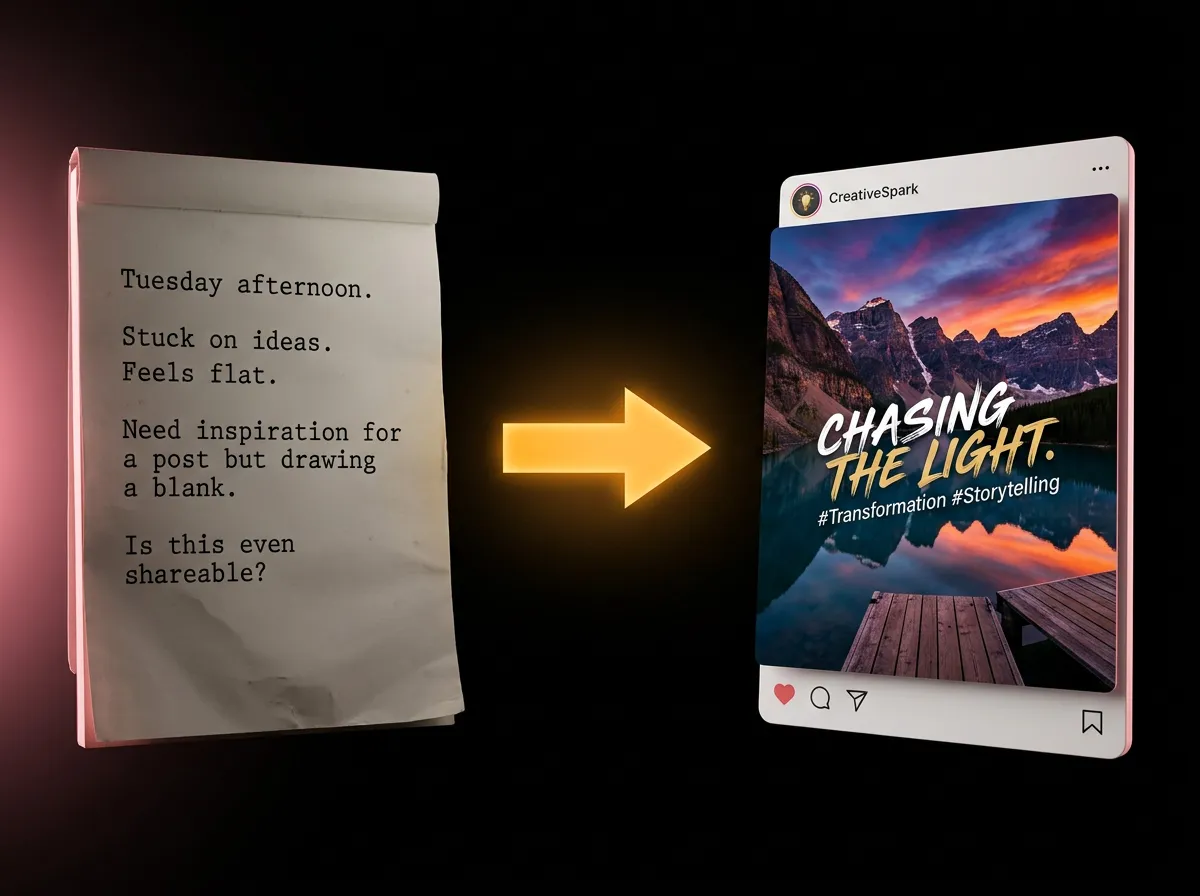
Try AI Instagram Post Generator on AADDYY
Creating engaging Instagram posts is easy with AADDYY's AI Instagram Post Generator. This guide walks you through one post from idea to caption: show the AI your brand with reference images or your website URL, describe the post, and publish it to your feed — all without design skills or expensive software.
Use AI Instagram Post Generator NowPay-per-use. No subscription required.