productivity Guide

How to Convert Images to PDF Online — Free Tool

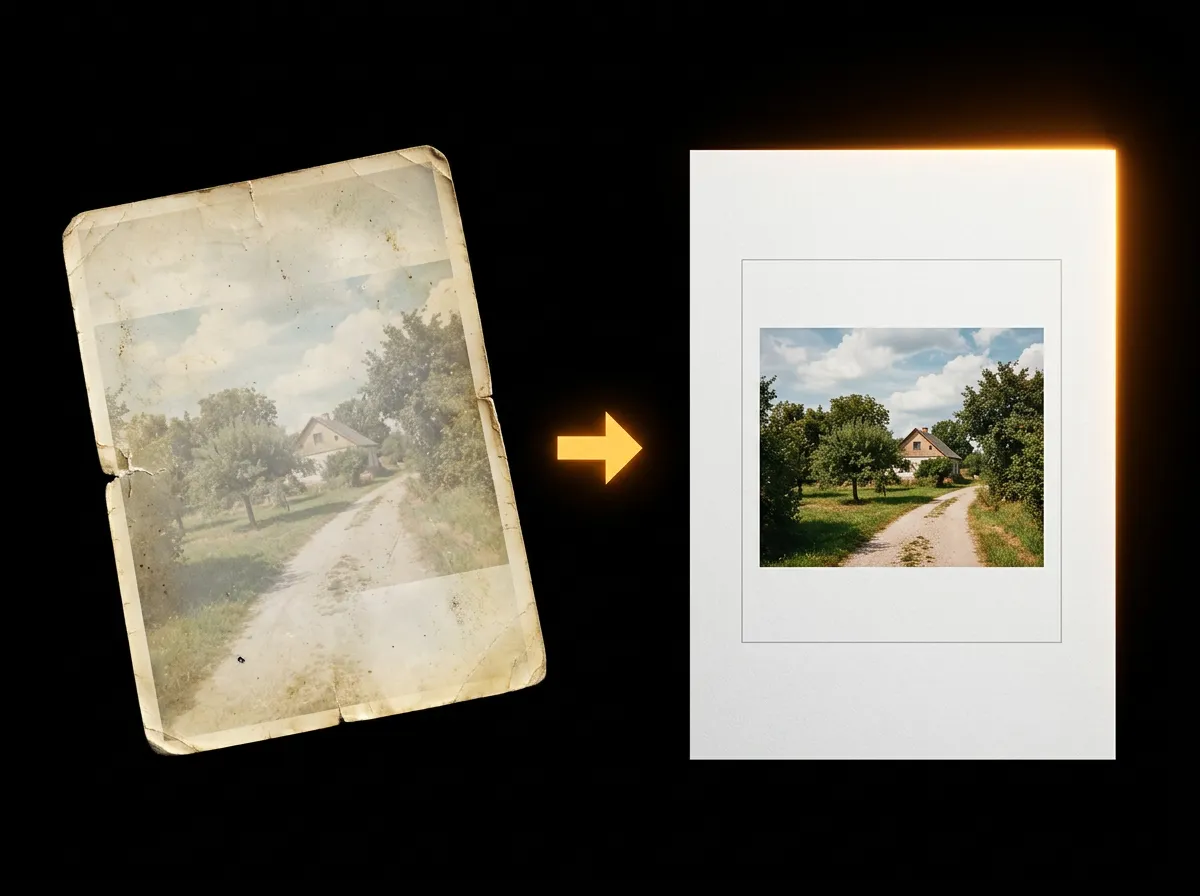
Converting images to PDF is straightforward with AADDYY's free online converter. Upload your images, arrange them, and get a professional PDF in seconds. This guide shows the complete process for converting any image format to a clean PDF document.

·2 min read

Step-by-Step Guide

1

Open the converter

Navigate to AADDYY's Image to PDF tool.

2

Upload your images

Add the photos or screenshots you want to convert.

3

Arrange and configure

Set page order, orientation, and margin preferences.

4

Generate the PDF

Click convert and download your new PDF document.
AI Image to PDF

Try AI Image to PDF on AADDYY

Converting images to PDF is straightforward with AADDYY's free online converter. Upload your images, arrange them, and get a professional PDF in seconds. This guide shows the complete process for converting any image format to a clean PDF document.

Use AI Image to PDF Now

Pay-per-use. No subscription required.

Related Guides

AI Image to PDF Converter — Convert Images to PDF Free

AADDYY's Image to PDF converter turns JPG, PNG, and other image files into clean PDF documents for free. Upload single or multiple images, arrange them in order, and download a professional PDF. Perfect for creating photo portfolios, scanning documents, and sharing images.

AI Image to PDF

JPG to PDF Converter Free — Convert JPG to PDF Online

Convert JPG images to PDF for free with AADDYY. Upload one or multiple JPG files and get a neatly formatted PDF document instantly. No registration, no watermarks, and no file limits. Works directly in your browser on any device.

AI Image to PDF

AI PDF Merge Tool — Combine PDFs Online for Free

AADDYY's PDF Merge tool combines multiple PDF files into a single document instantly. Upload your files, arrange the order, and download the merged PDF. It's free, works in your browser, and keeps your documents private with no cloud storage.

AI PDF Merge