
How to Add Music to an AI Video
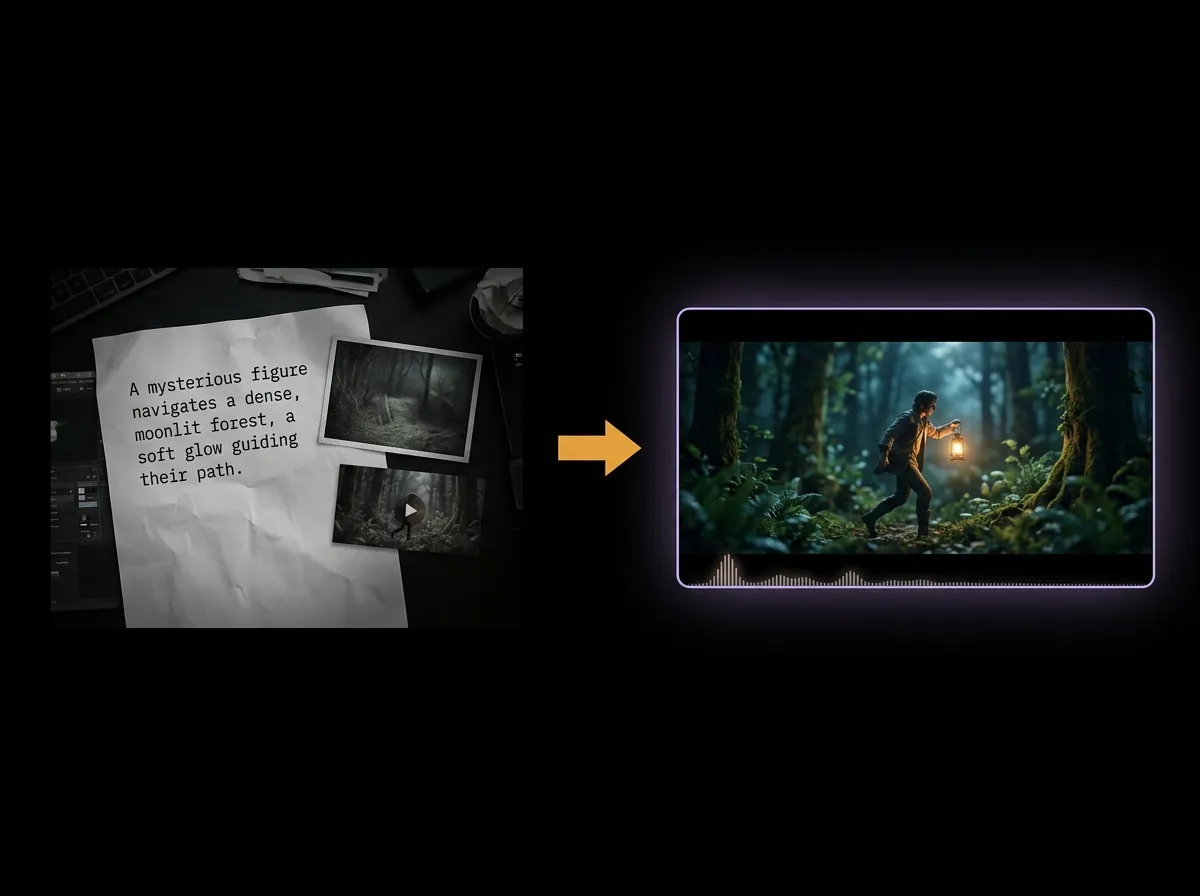
Add a soundtrack to your AI video with AADDYY's AI Seedance Video Generator. Upload a reference audio clip alongside a reference image or video, then tell the AI to use it as background music. The generated visuals follow your audio for a polished, music-driven result.
Step-by-Step Guide
Upload your audio
Add up to 3 audio clips (WAV or MP3, ≤15 MB each) as references.
Add an image or video
Audio can't be used alone — include at least one reference image or video.
Direct the audio in your prompt
Write something like "use audio 1 as background music" so the AI applies it.
Generate the clip
Download the finished video with your soundtrack synced to the visuals.
Try AI Seedance Video Generator on AADDYY
Add a soundtrack to your AI video with AADDYY's AI Seedance Video Generator. Upload a reference audio clip alongside a reference image or video, then tell the AI to use it as background music. The generated visuals follow your audio for a polished, music-driven result.
Use AI Seedance Video Generator NowPay-per-use. No subscription required.