
AI Caption Generator for TikTok — Go Viral with Better Captions
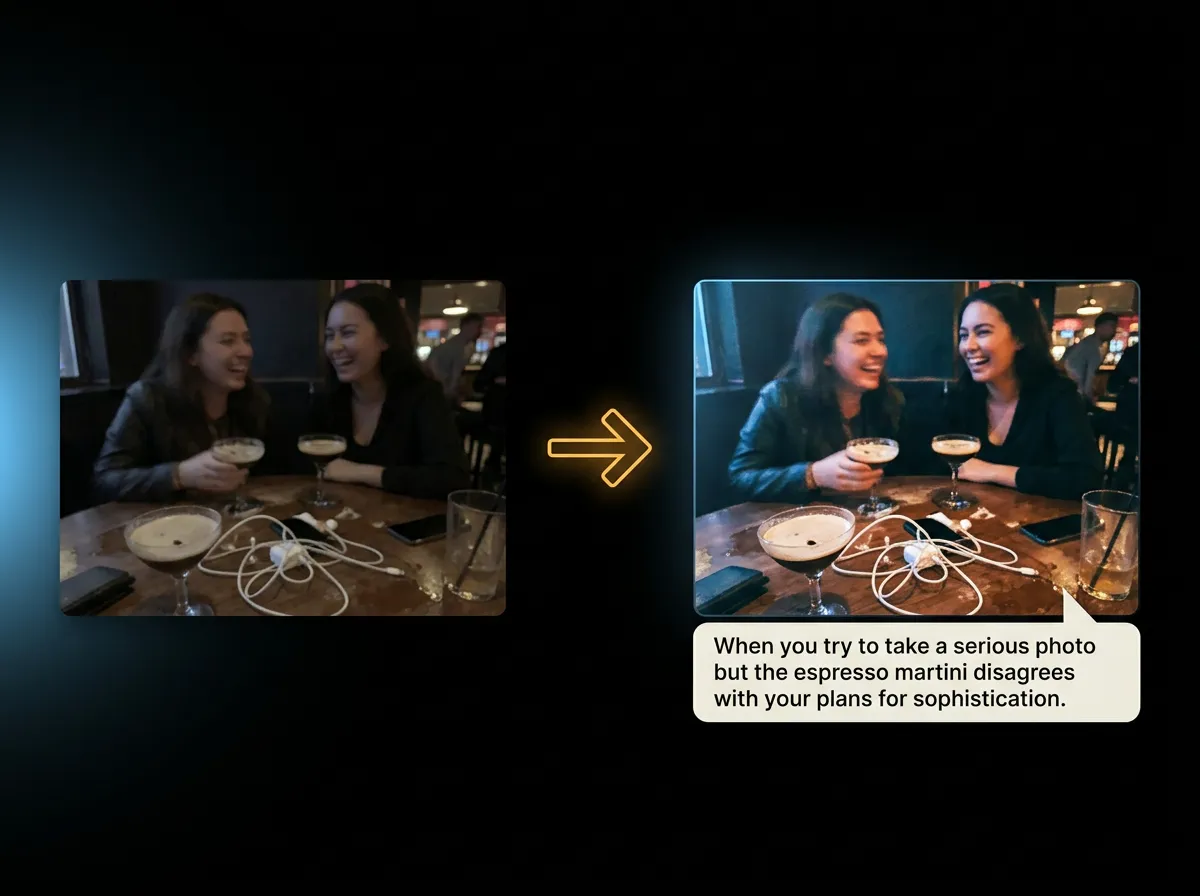
AADDYY's AI Caption Generator writes captions from an image, so for a TikTok video, upload its cover or a frame and get short captions with hashtags. TikTok is not on the platform list: set Platform to Custom and ask for a TikTok caption in Custom Instructions.
Step-by-Step Guide
Add a frame from your video
Upload the cover image or a screenshot of your TikTok (JPG, PNG or WebP, up to 10MB).
Choose a caption style
Pick Short Caption and a tone such as Funny, Trendy or Bold, and set Platform to Custom.
Add TikTok instructions
Under Advanced Options, write what you want in Custom Instructions, for example 'a hook-first TikTok caption that asks viewers to comment'.
Add to your TikTok post
Get up to five captions with hashtags, copy the best one and add it when you publish your video.
Try AI Caption Generator on AADDYY
AADDYY's AI Caption Generator writes captions from an image, so for a TikTok video, upload its cover or a frame and get short captions with hashtags. TikTok is not on the platform list: set Platform to Custom and ask for a TikTok caption in Custom Instructions.
Use AI Caption Generator NowPay-per-use. No subscription required.