content-creation Guide

How to Turn Audio into Video with AI

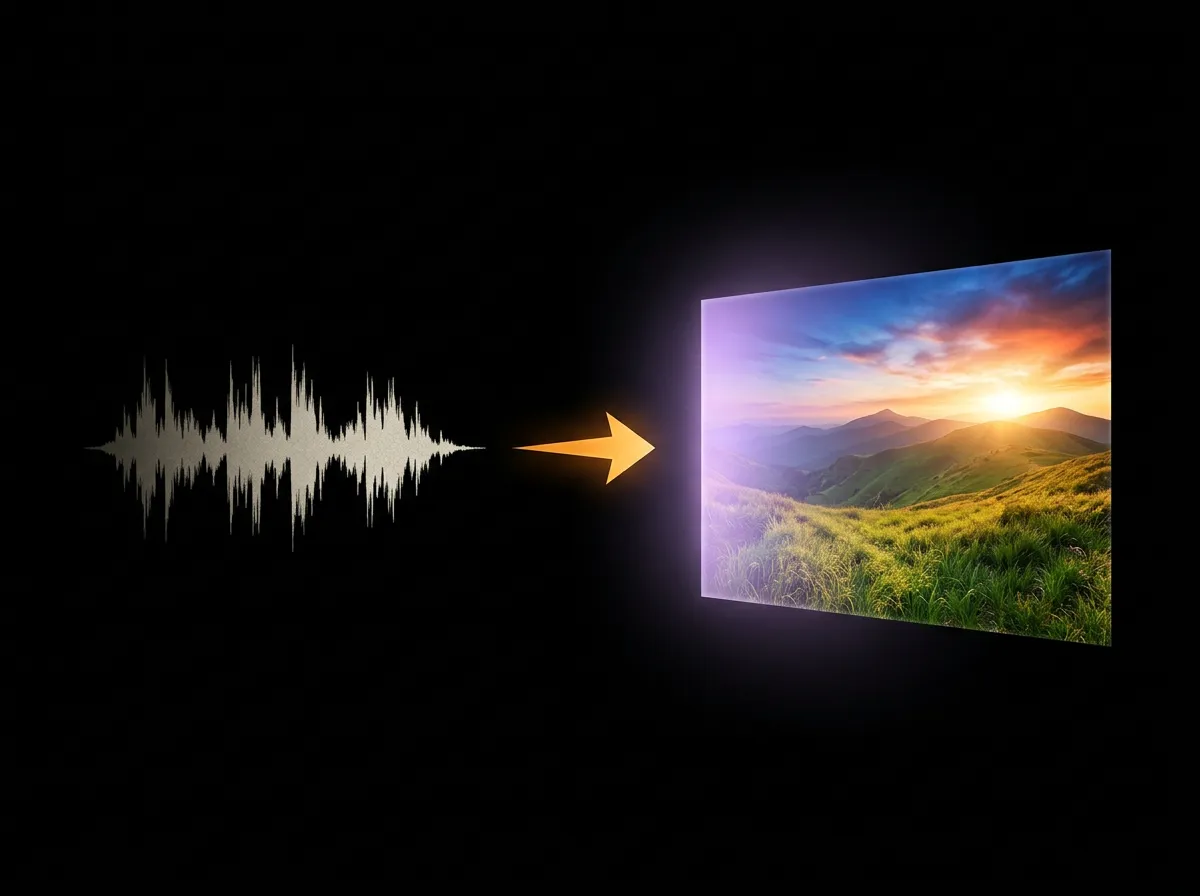
Converting audio to video opens up new distribution channels. AADDYY's AI Audio-to-Video tool creates engaging visual content from any audio file. Upload your podcast, music track, or narration and get a ready-to-share video in minutes — no video editing skills needed.

·2 min read

Step-by-Step Guide

1

Select your audio

Upload the audio file you want to convert to video.

2

Describe the visuals

Tell the AI what kind of visuals should accompany the audio.

3

Let the AI process

Wait for the AI to generate synchronized visuals.

4

Preview and export

Watch the preview and download the final video.
AI Audio to Video

Try AI Audio to Video on AADDYY

Converting audio to video opens up new distribution channels. AADDYY's AI Audio-to-Video tool creates engaging visual content from any audio file. Upload your podcast, music track, or narration and get a ready-to-share video in minutes — no video editing skills needed.

Use AI Audio to Video Now

Pay-per-use. No subscription required.

Related Guides

AI Audio-to-Video Converter — Turn Audio into Video

AADDYY's AI Audio-to-Video converter transforms audio files into engaging videos with synchronized visuals. Upload a podcast, song, or voiceover and the AI generates matching visual content. Perfect for musicians, podcasters, and content creators.

AI Audio to Video

AI Music Visualizer — Create Music Videos from Audio

Turn your music into visual experiences with AADDYY's AI Audio-to-Video tool. The AI analyzes your audio track's tempo, mood, and energy to generate synchronized visual effects. Create music videos, visualizers, and promotional clips for streaming platforms.

AI Audio to Video

AI Video Generator from Text — Create Videos with AI

AADDYY's AI Video Generator turns text prompts into short video clips. Describe a scene, action, or concept and the AI generates a video matching your vision. Perfect for social media content, product demos, and creative projects.

AI Video Generator